Software
Software Applications
Free desktop companion tools for lighting programmers, operators, show callers and production teams. Each app is provided on an as-is basis, with macOS downloads for Intel and Apple Silicon where available.
 HogScribeHog cue notes, OSC/MSC tracking, cue-list monitoring
 MidiScribeMIDI capture, logging, playback and show-data enrichment
 SpotCallSpot and cue event playback for show callers and production teams
 CueStateCue-based visual state management with multiple operating views
 LTC+Generate audio files with embedded SMPTE LTC for rehearsal and playback
 OSC MonitorLive OSC traffic monitoring, filtering and export for technicians
App
HogScribe
Hog cue notes, OSC/MSC tracking, cue-list monitoring
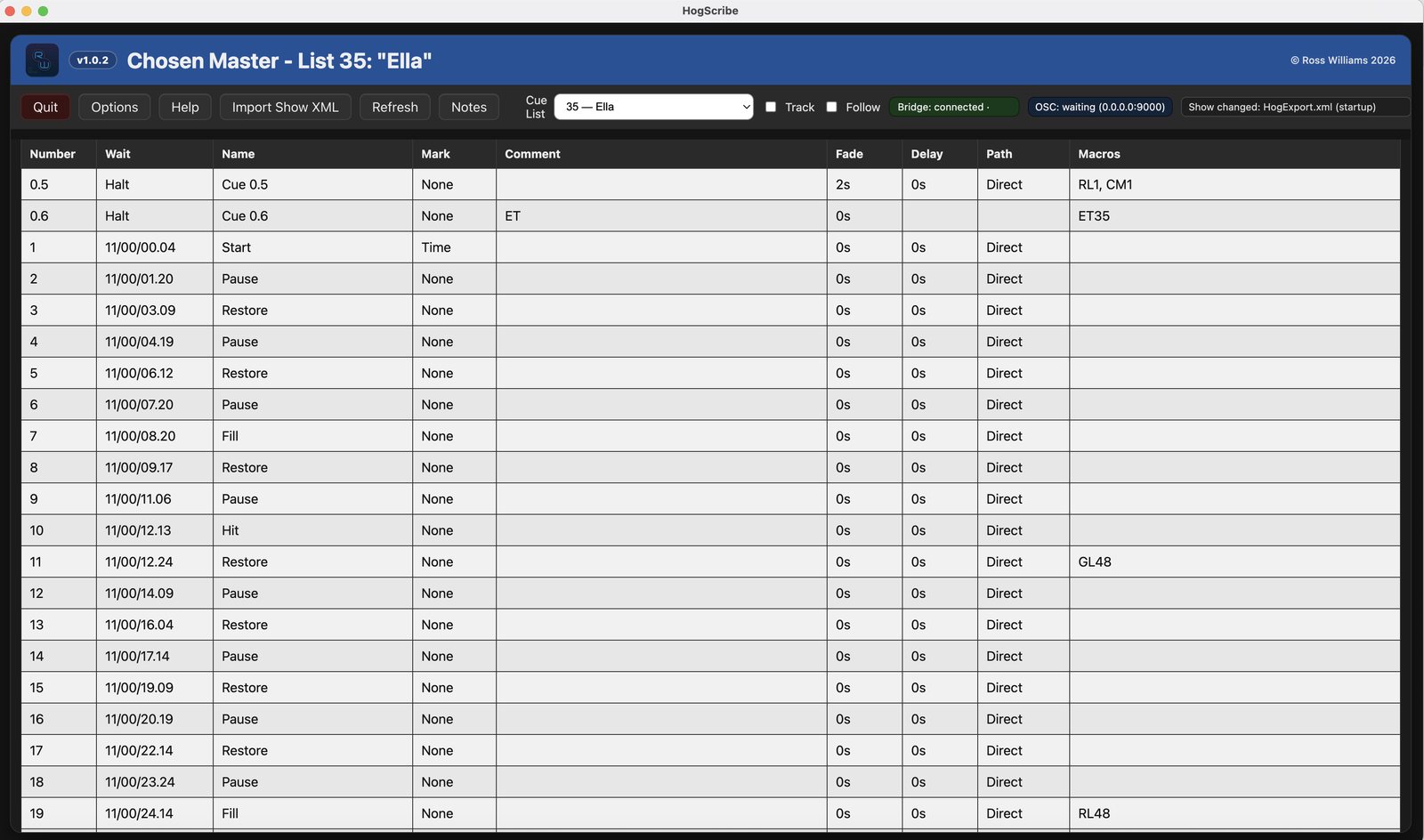
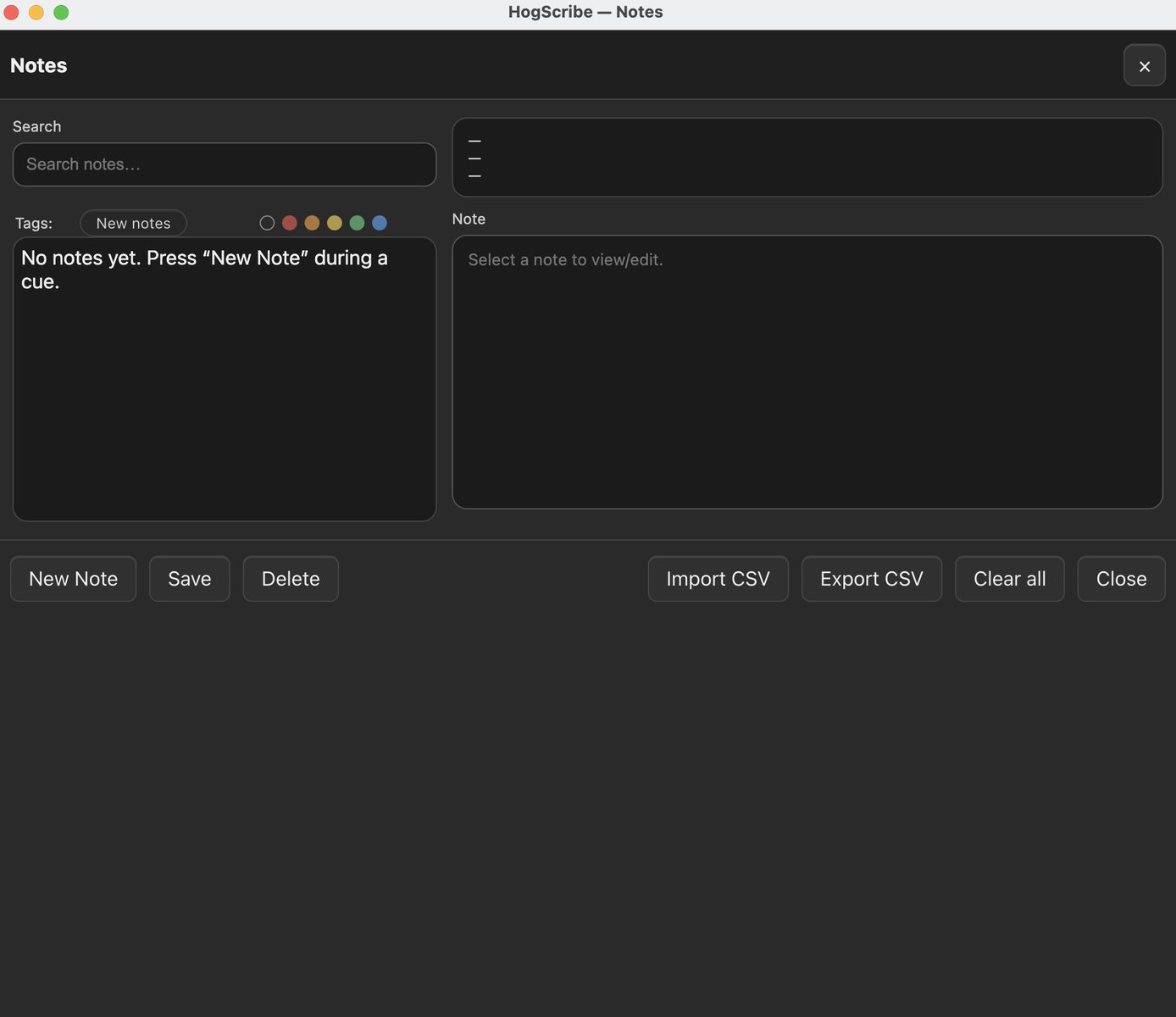
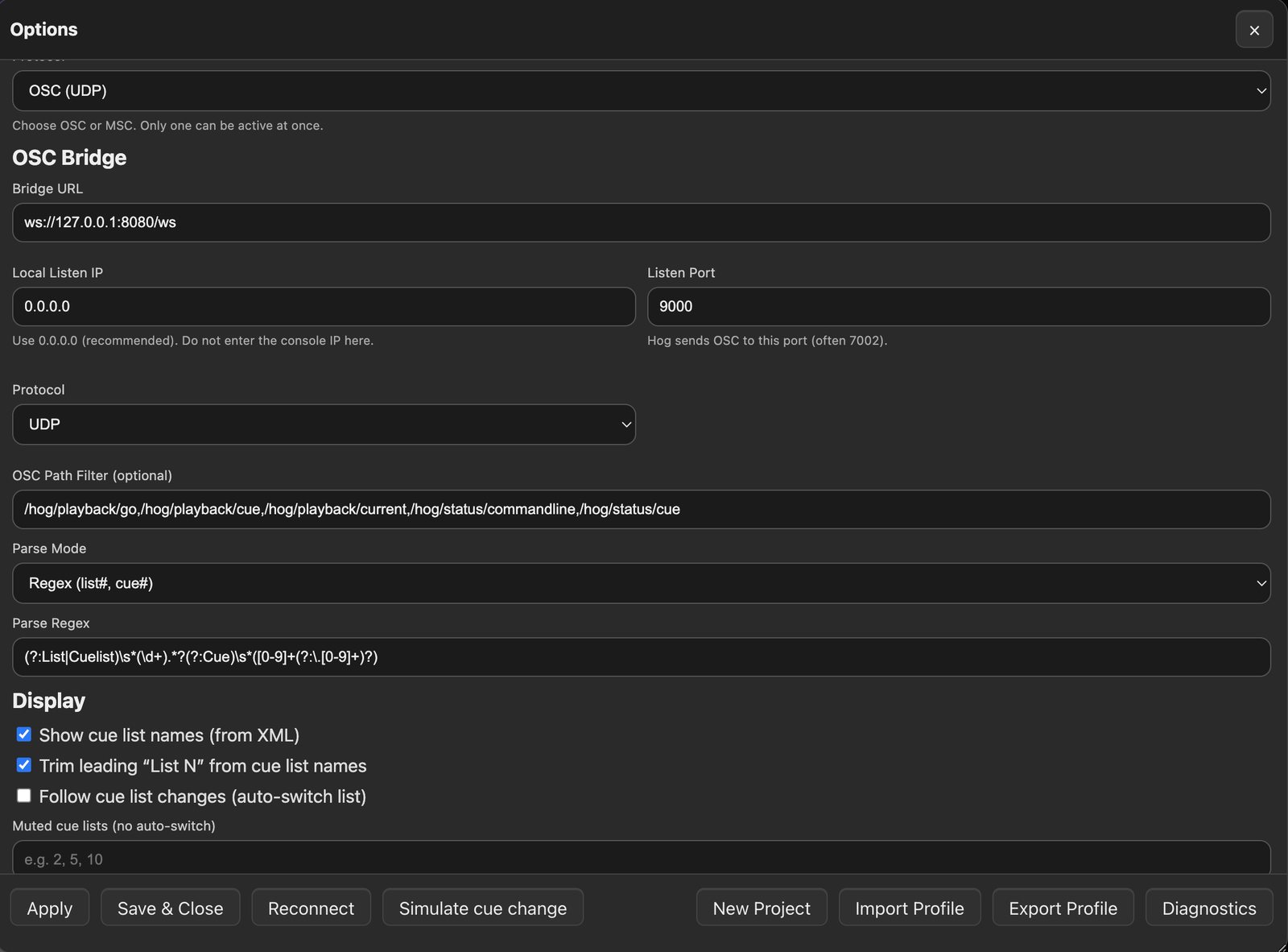
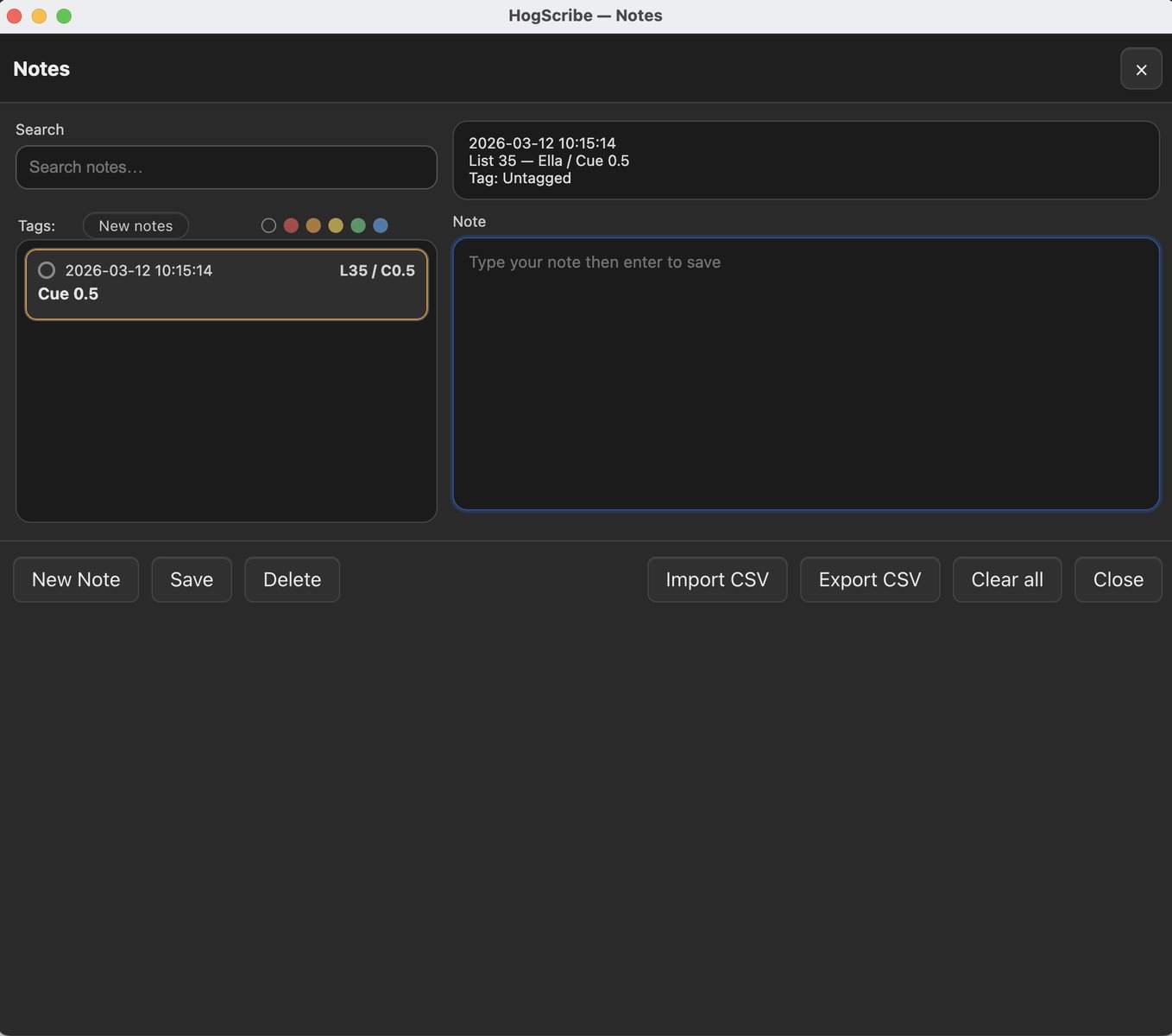
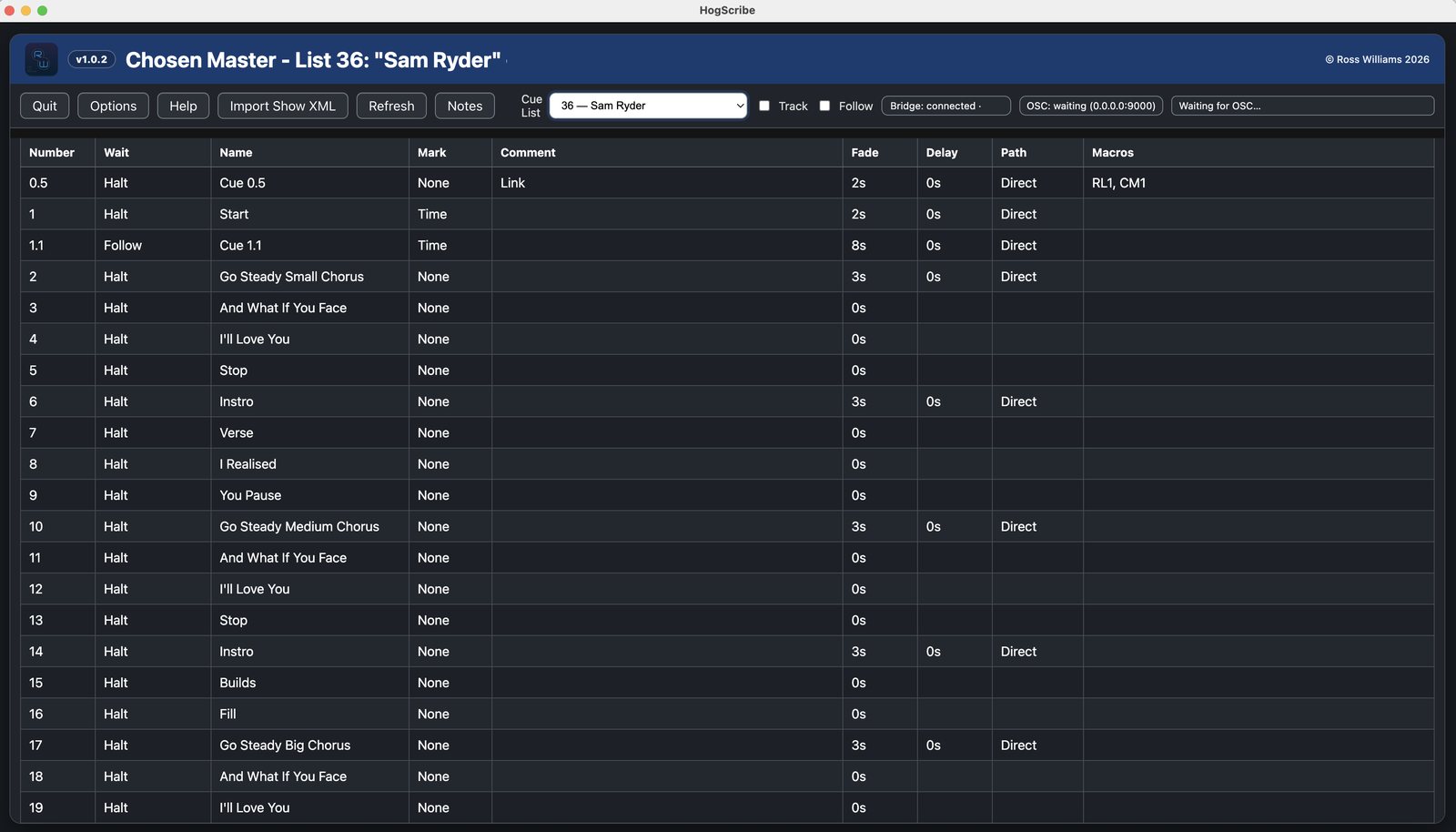
HogScribe is a lightweight desktop companion for ETC Hog 4/5 consoles that helps programmers and lighting designers view live cue list information and add notes in one place. It imports Hog XML show data, tracks the current cue and list via OSC or MSC, and lets you add organised time and cue data-stamped show notes with optional colour tags, filtering, and CSV export.
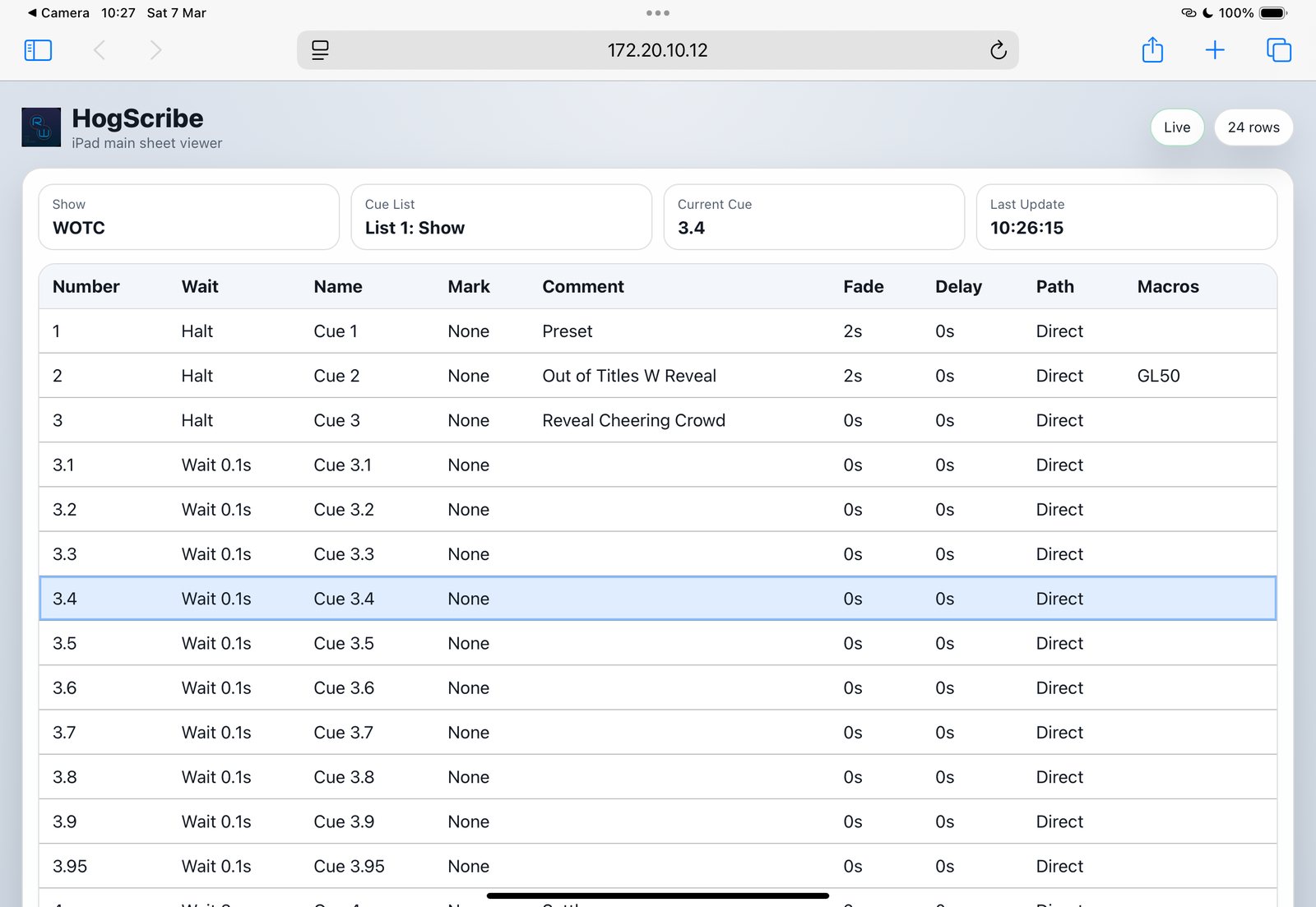
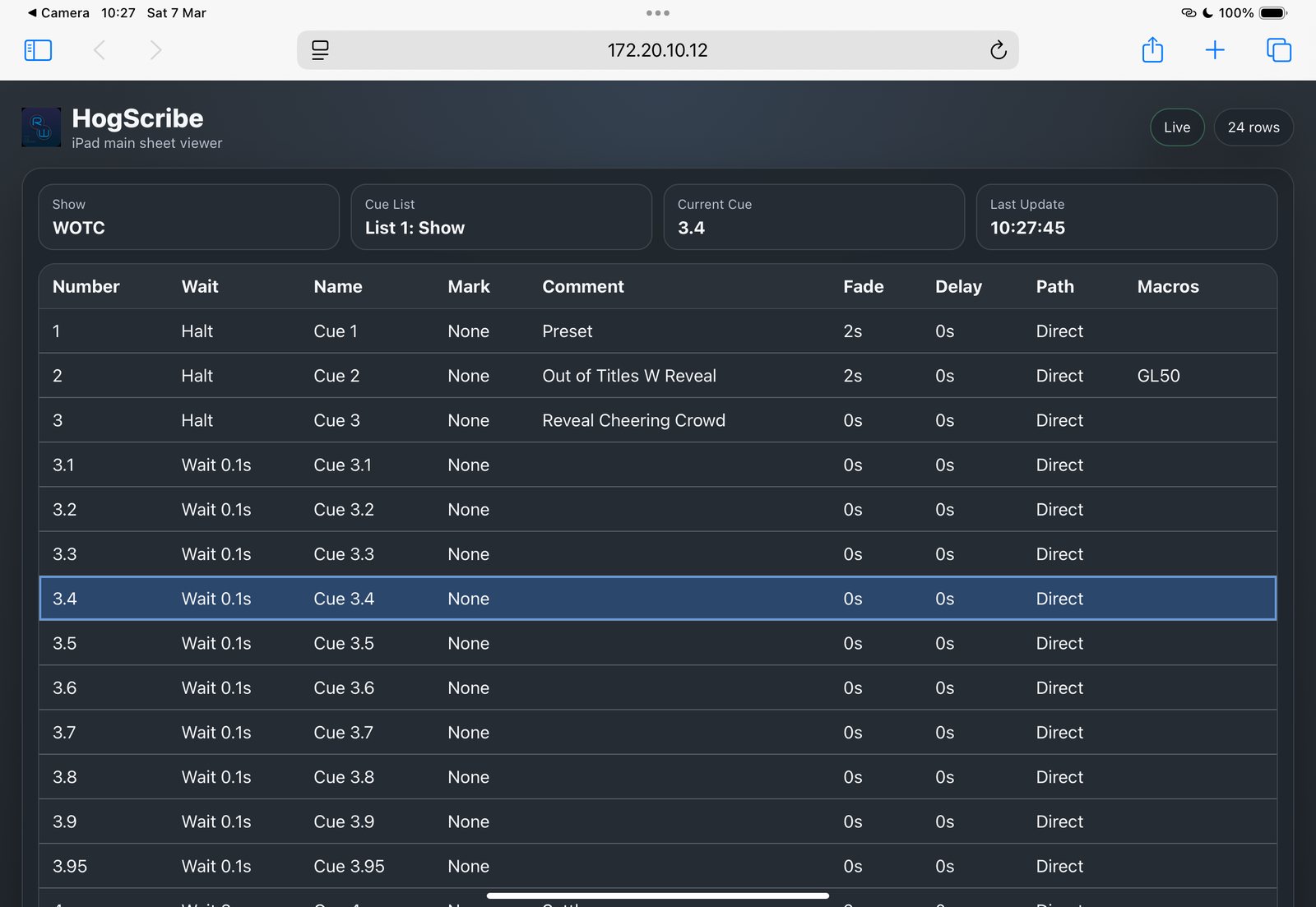
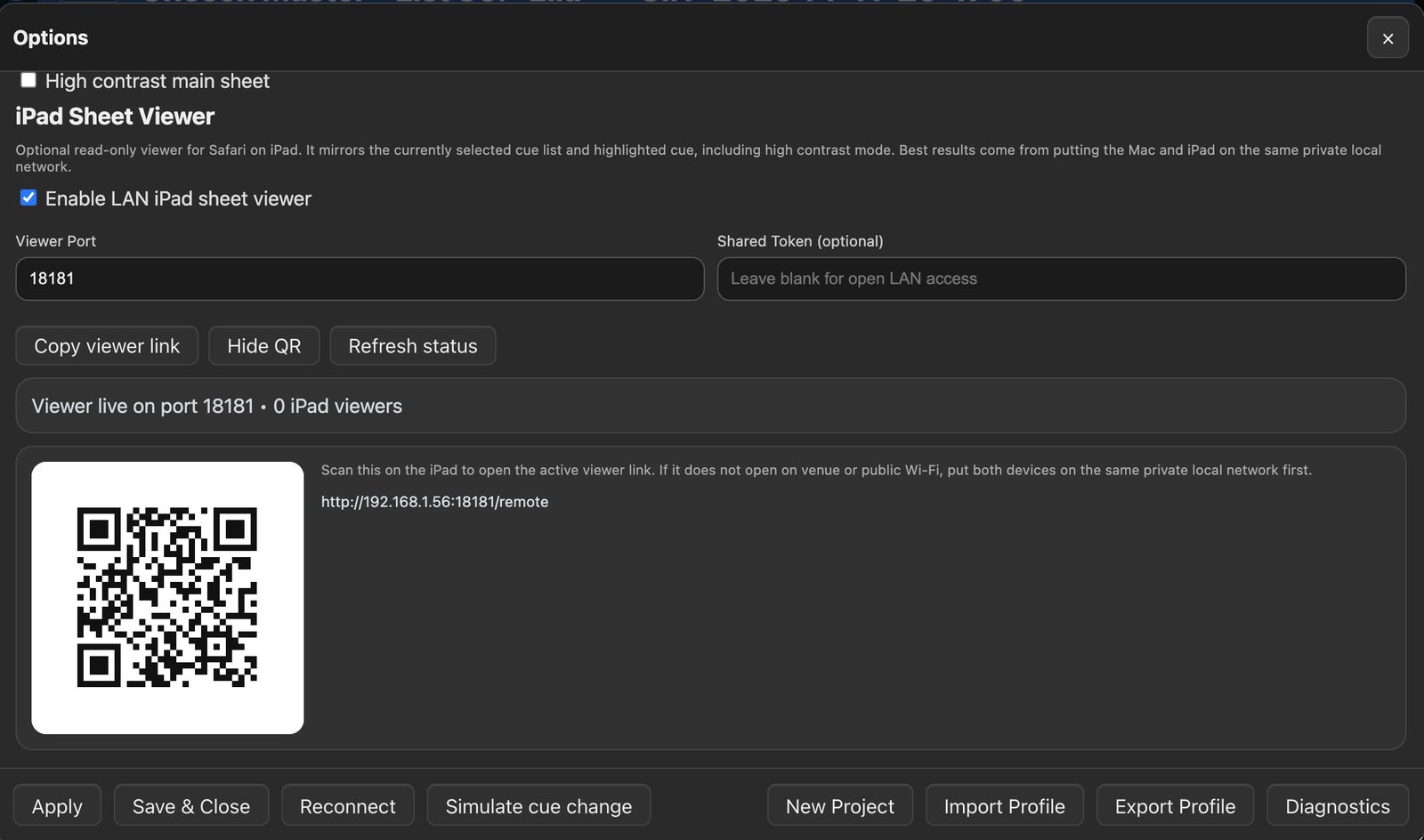
It also includes a simple local iPad/iPhone sheet viewer, making it easy to follow cues during playback. Note: for Hog OS v5.01 OSC out from the console is unsupported, however MSC still works. This software has been tested with macOS Sequoia 15.6.1 only.
App
MidiScribe
MIDI capture, logging, playback and show-data enrichment
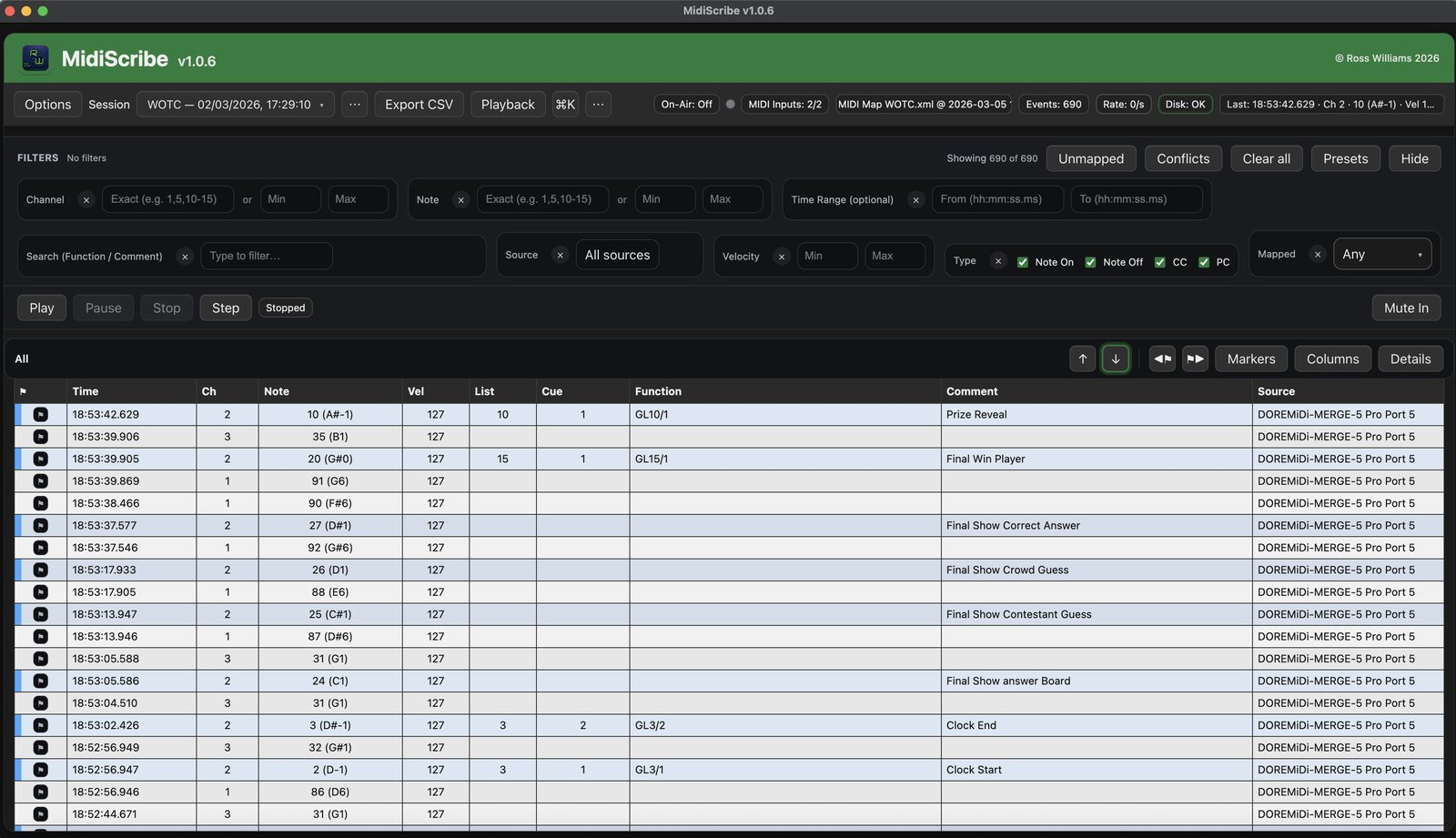
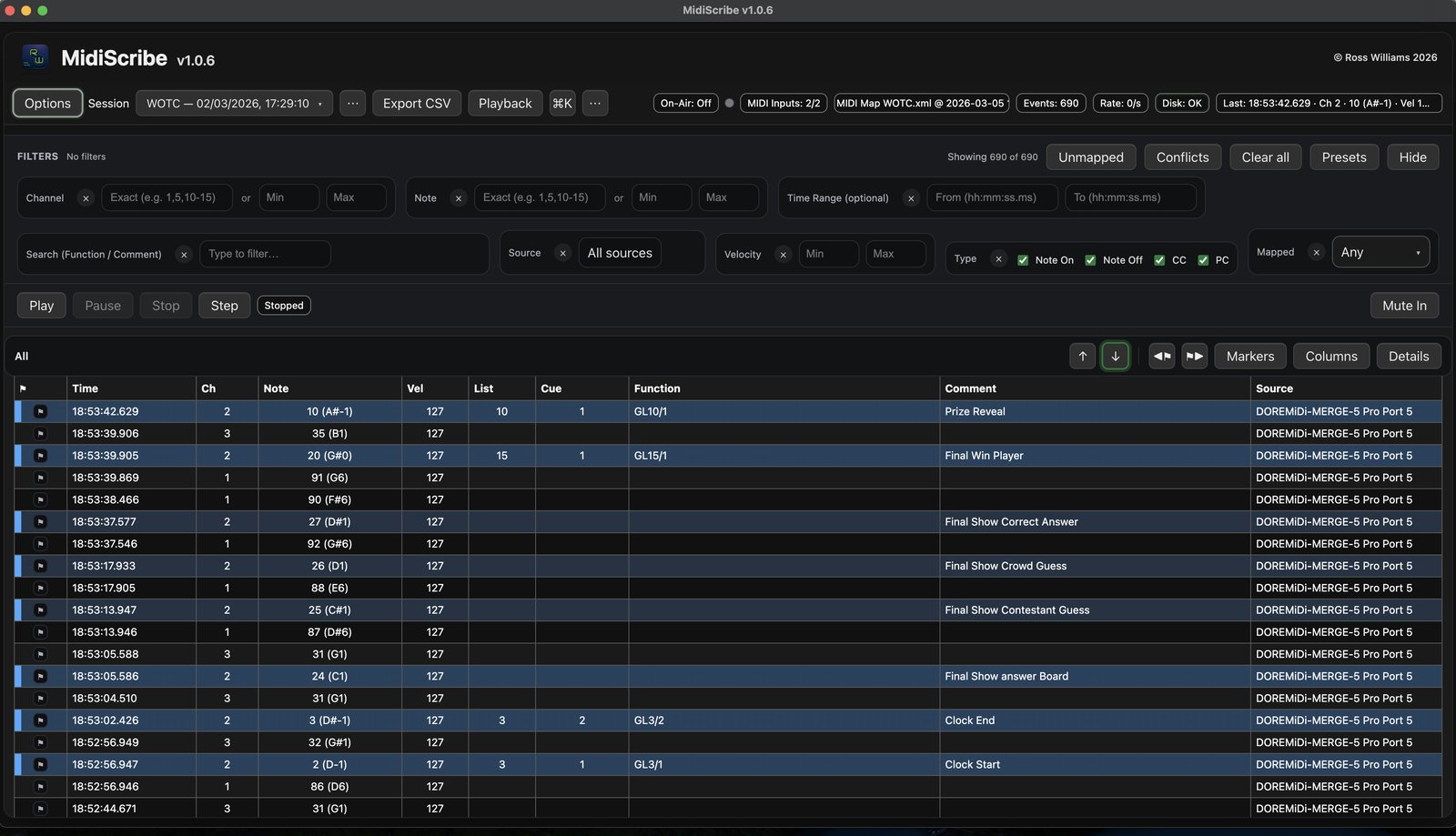
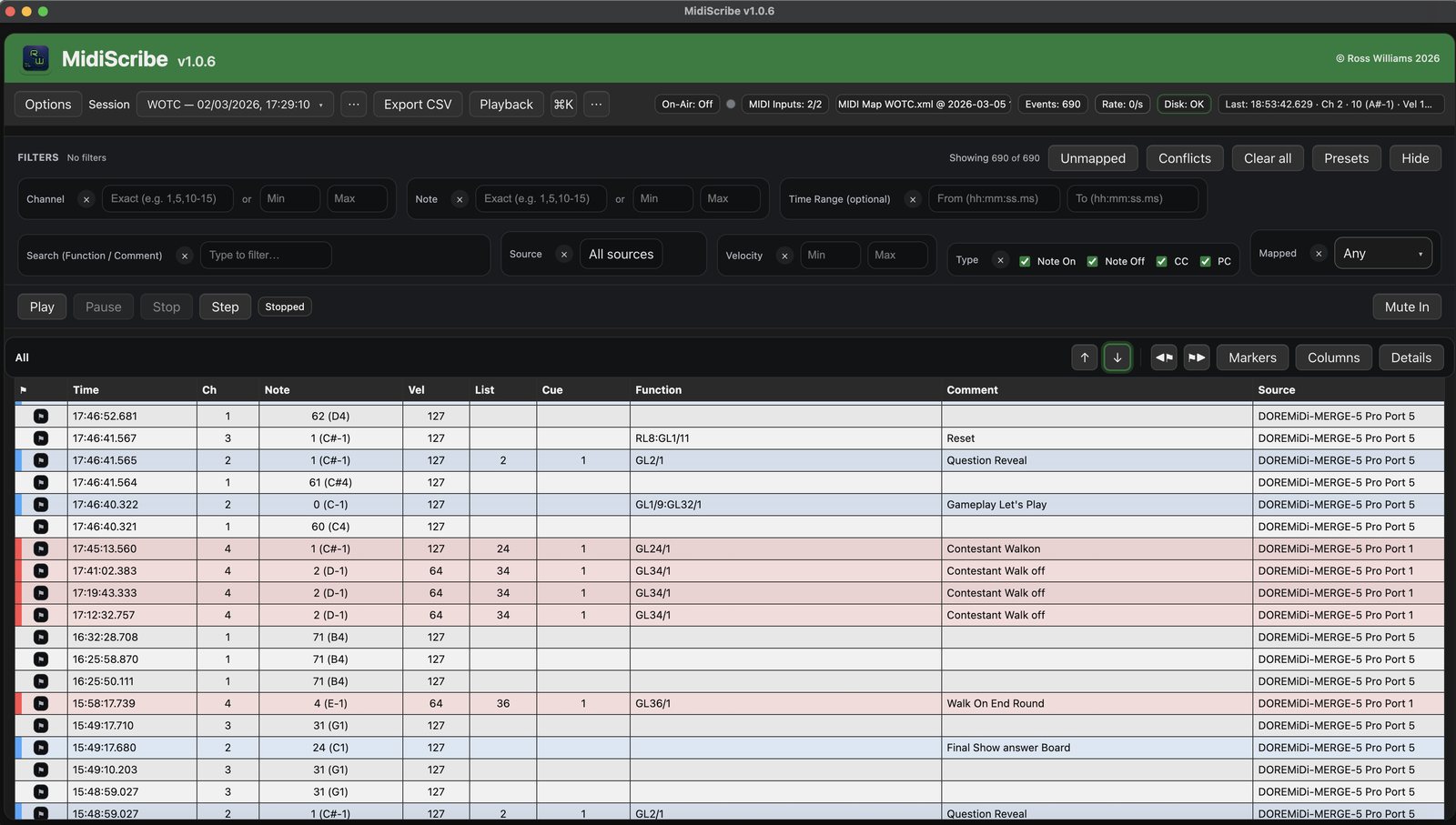
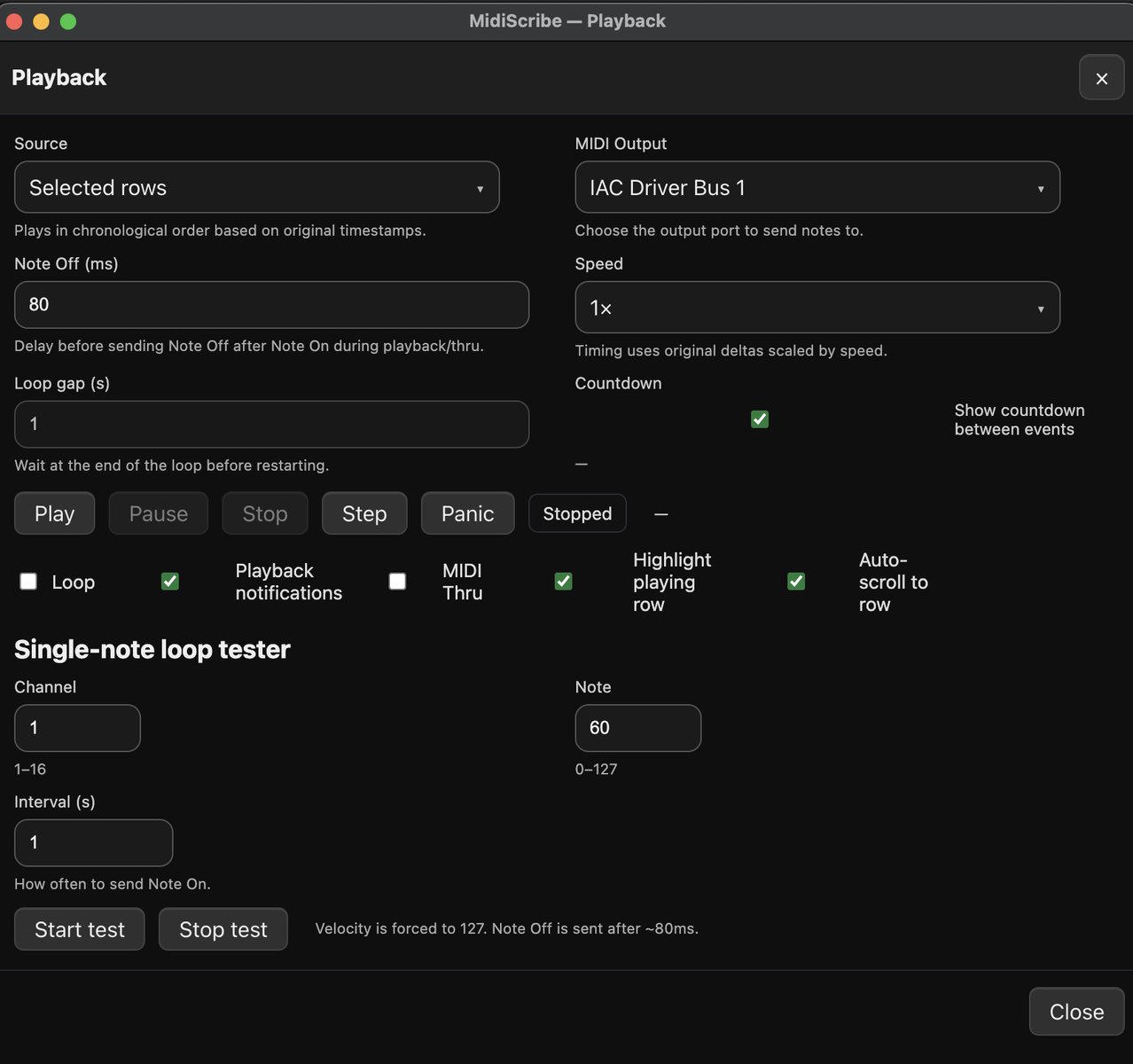
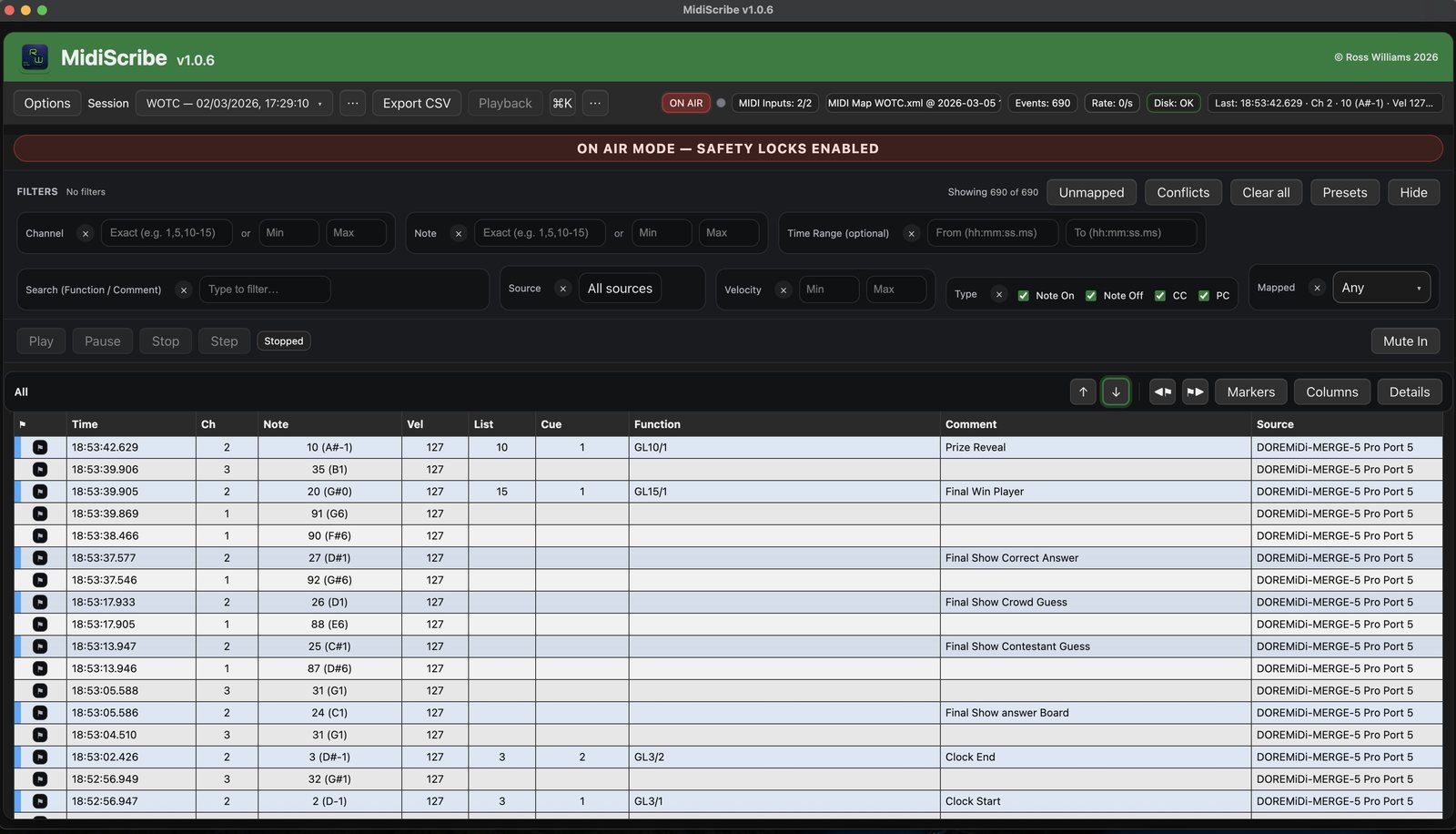
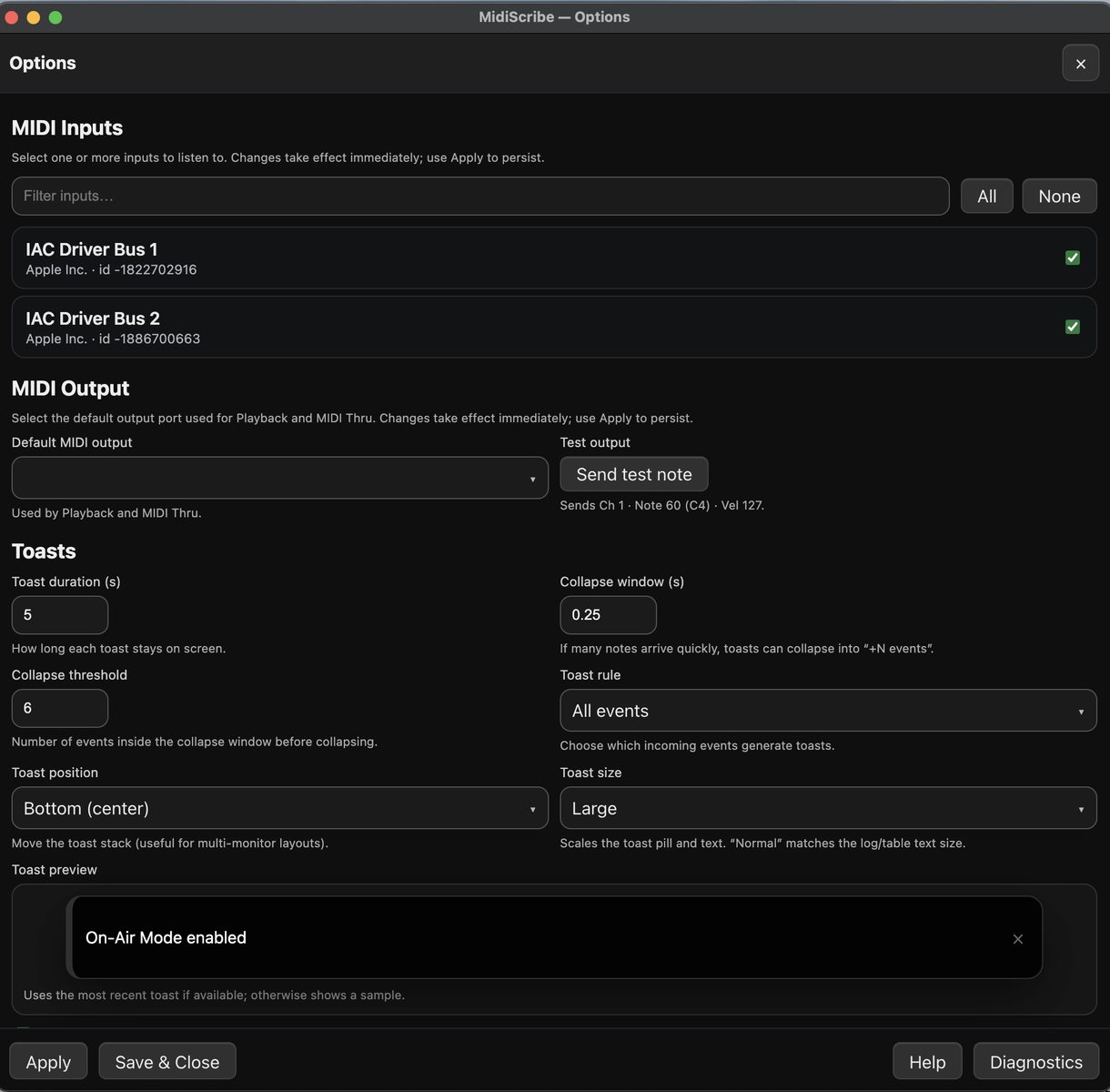
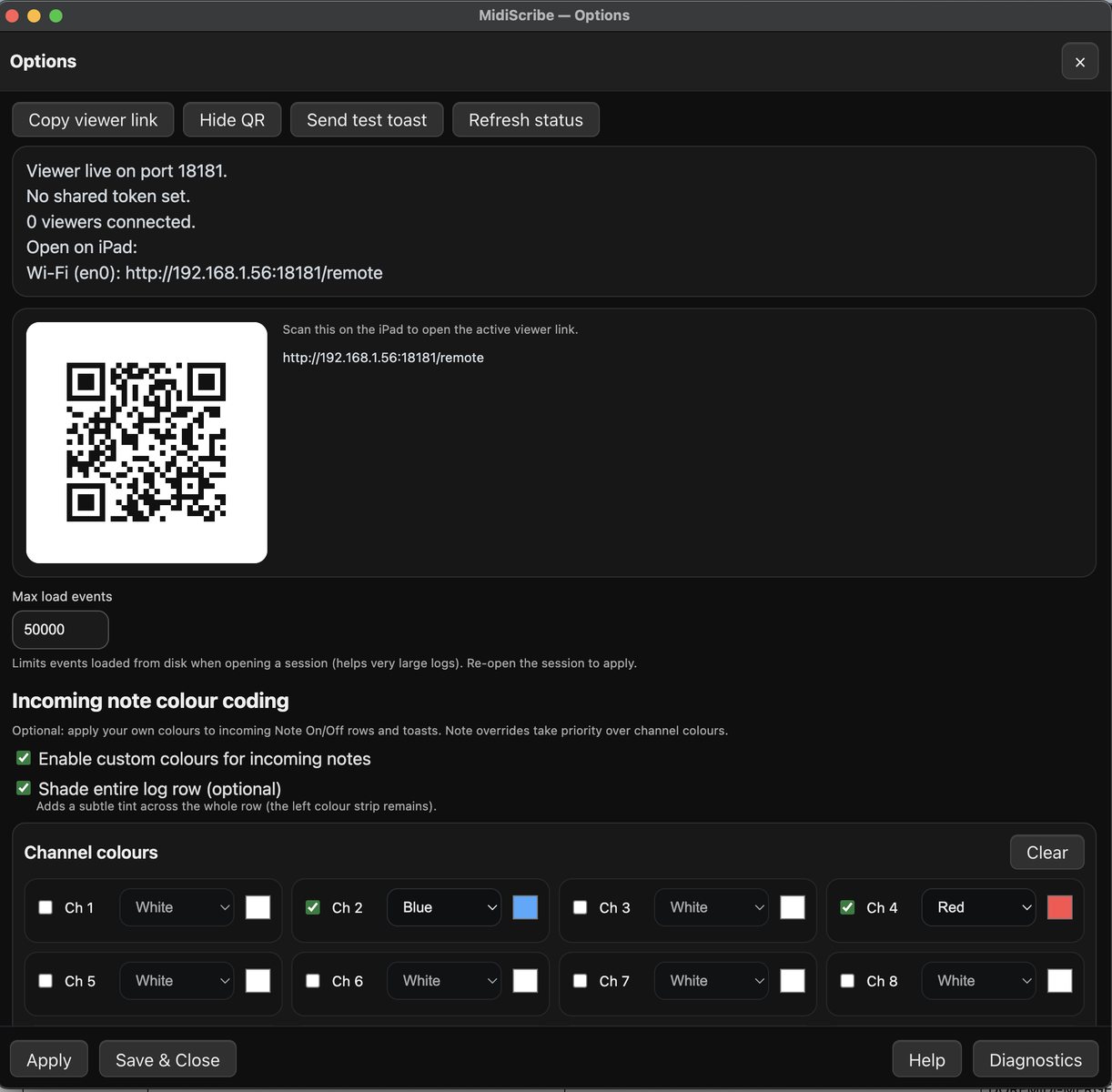
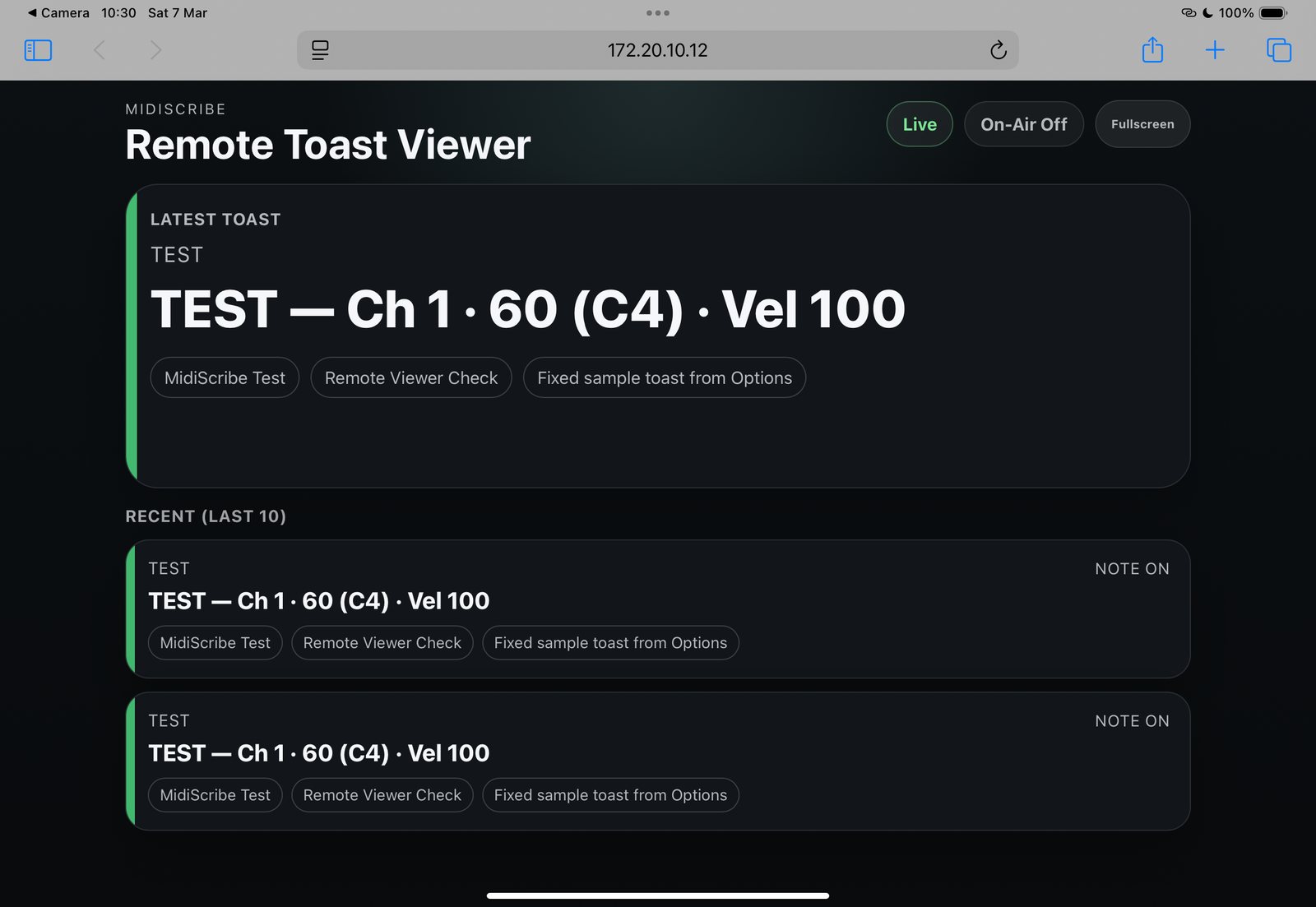
MidiScribe is a lightweight desktop companion for ETC Hog4/5 consoles for capturing and organising incoming MIDI note data via USB MIDI devices. It imports the console Midi Map and logs events in named sessions, adds filtering, markers, and MIDI map enrichment, supports playback of captured notes in realtime or at user-defined speeds, and includes CSV export plus an optional iPad/iPhone viewer for live monitoring on a local network.
It also includes a MIDI note test function and a safety On Air mode to guard against accidental sending. This software has been tested with macOS Sequoia 15.6.1 only.
App
SpotCall
Spot and cue event playback for show callers and production teams
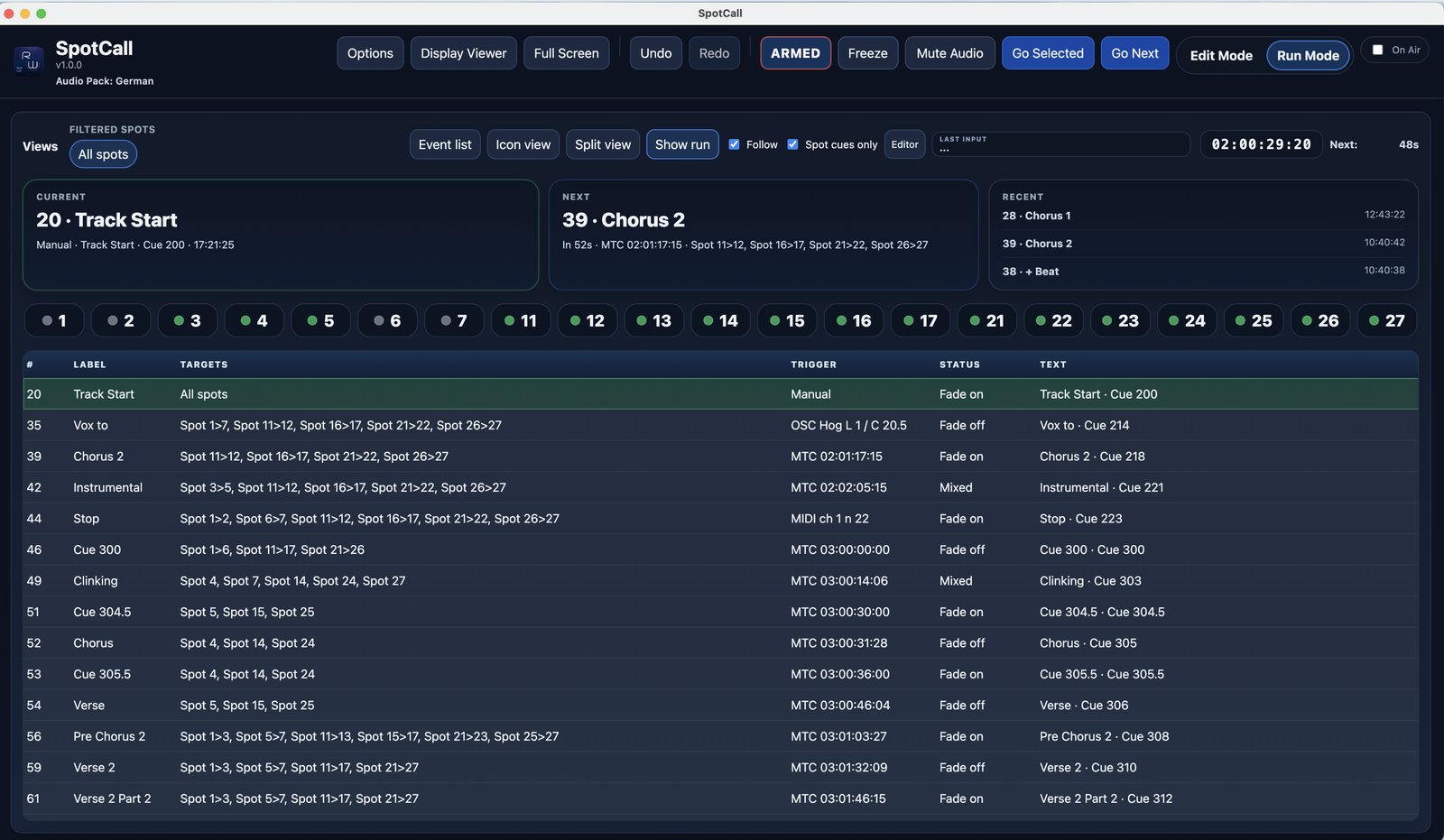
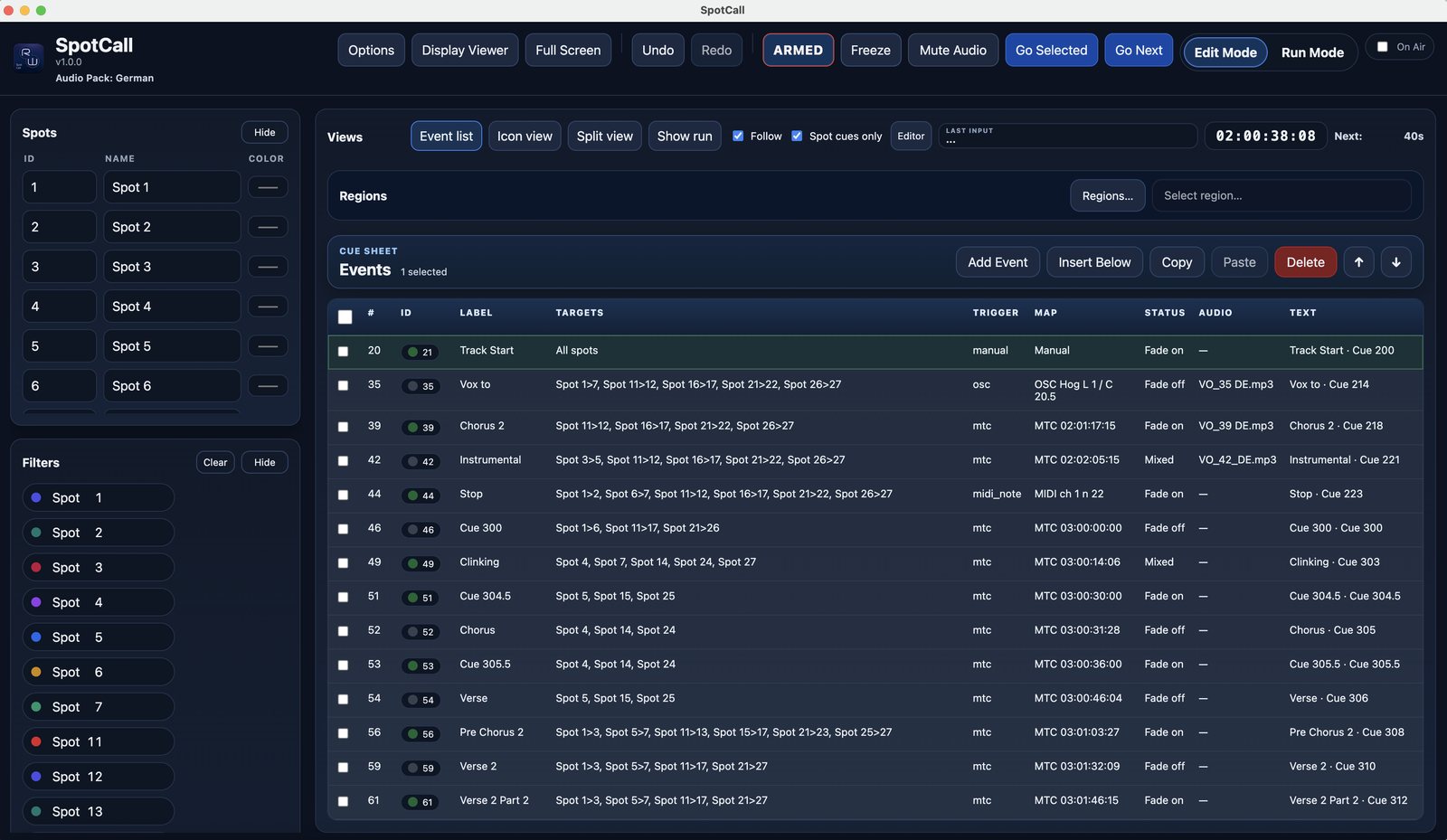
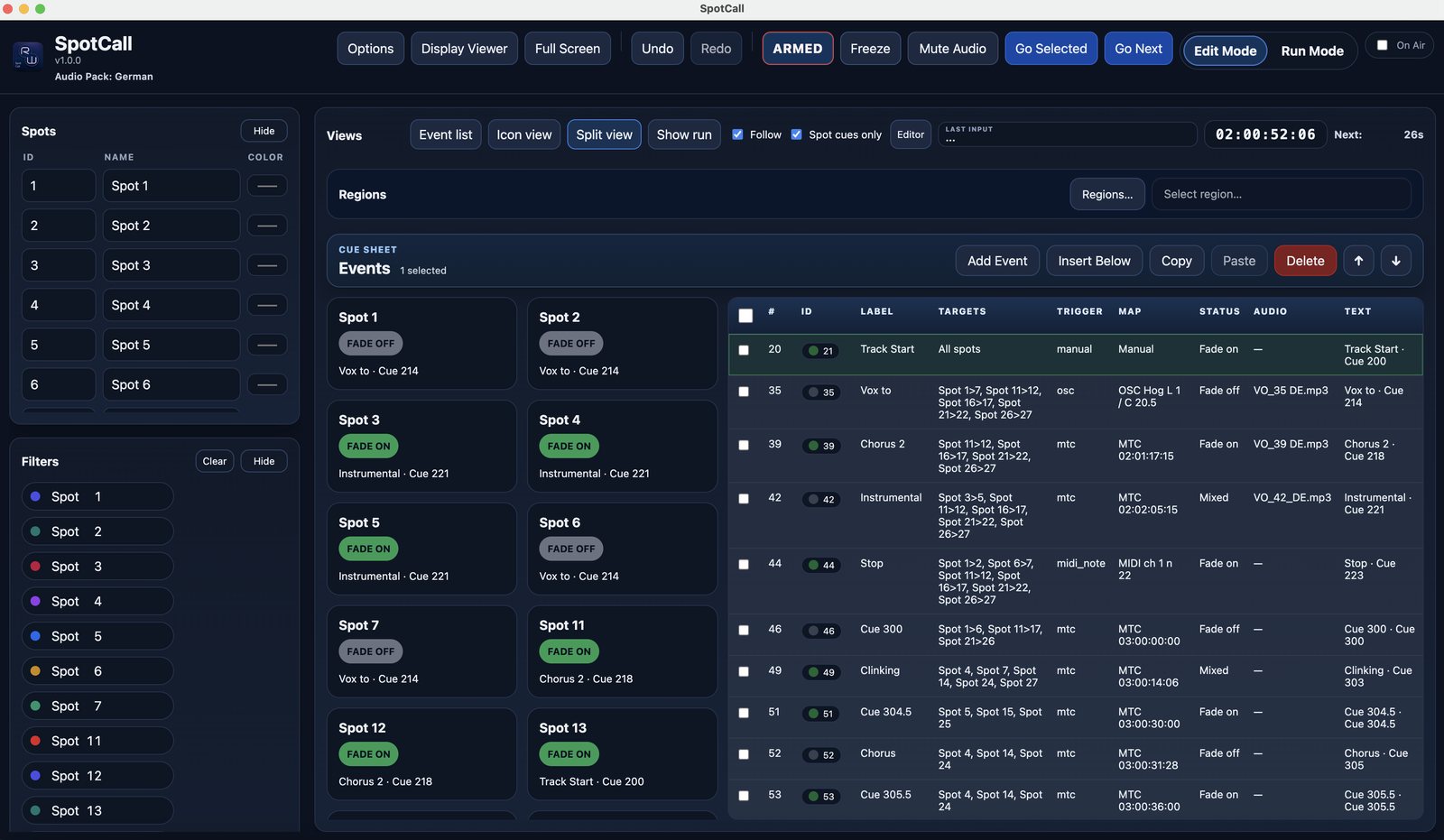
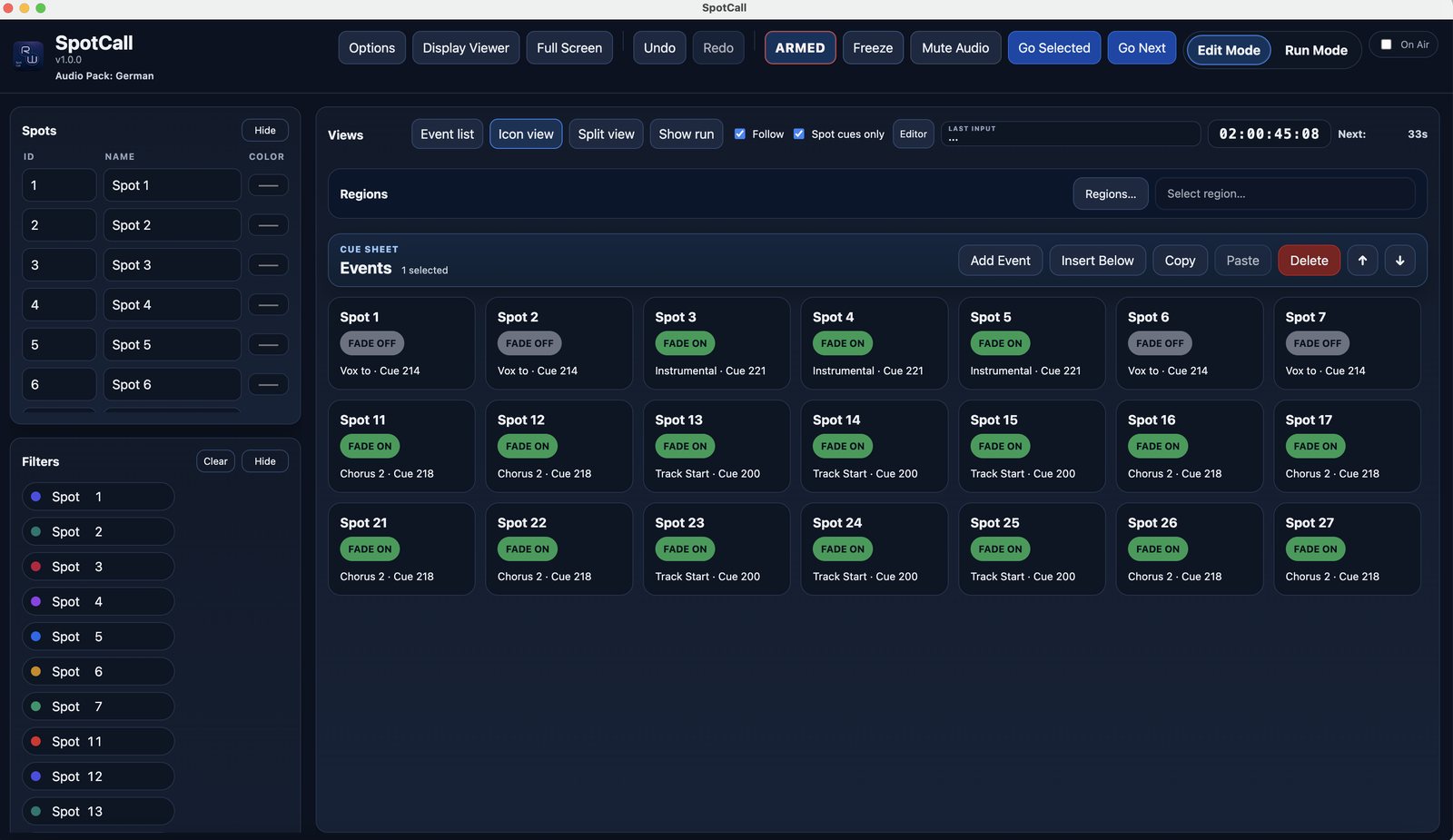
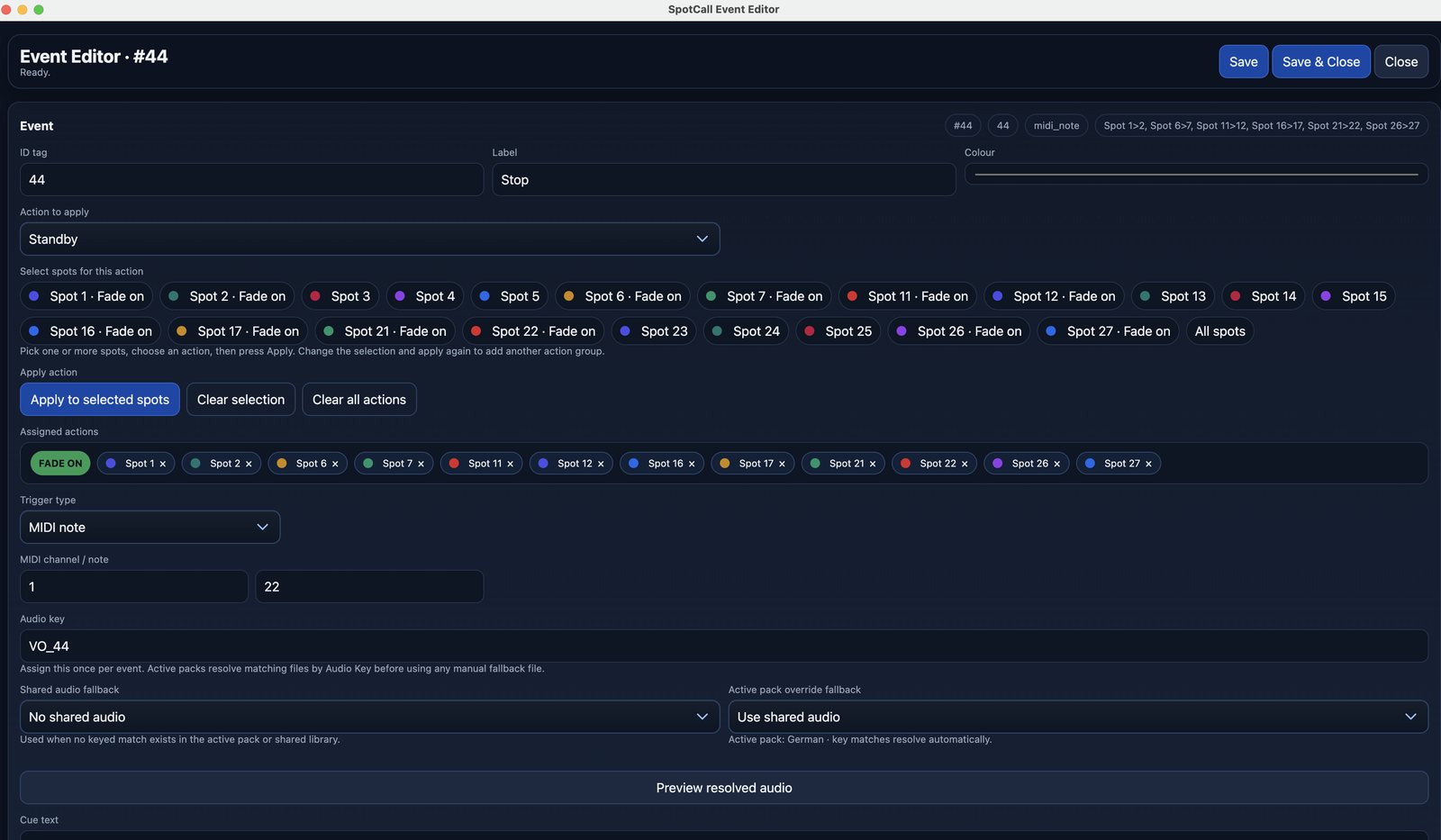
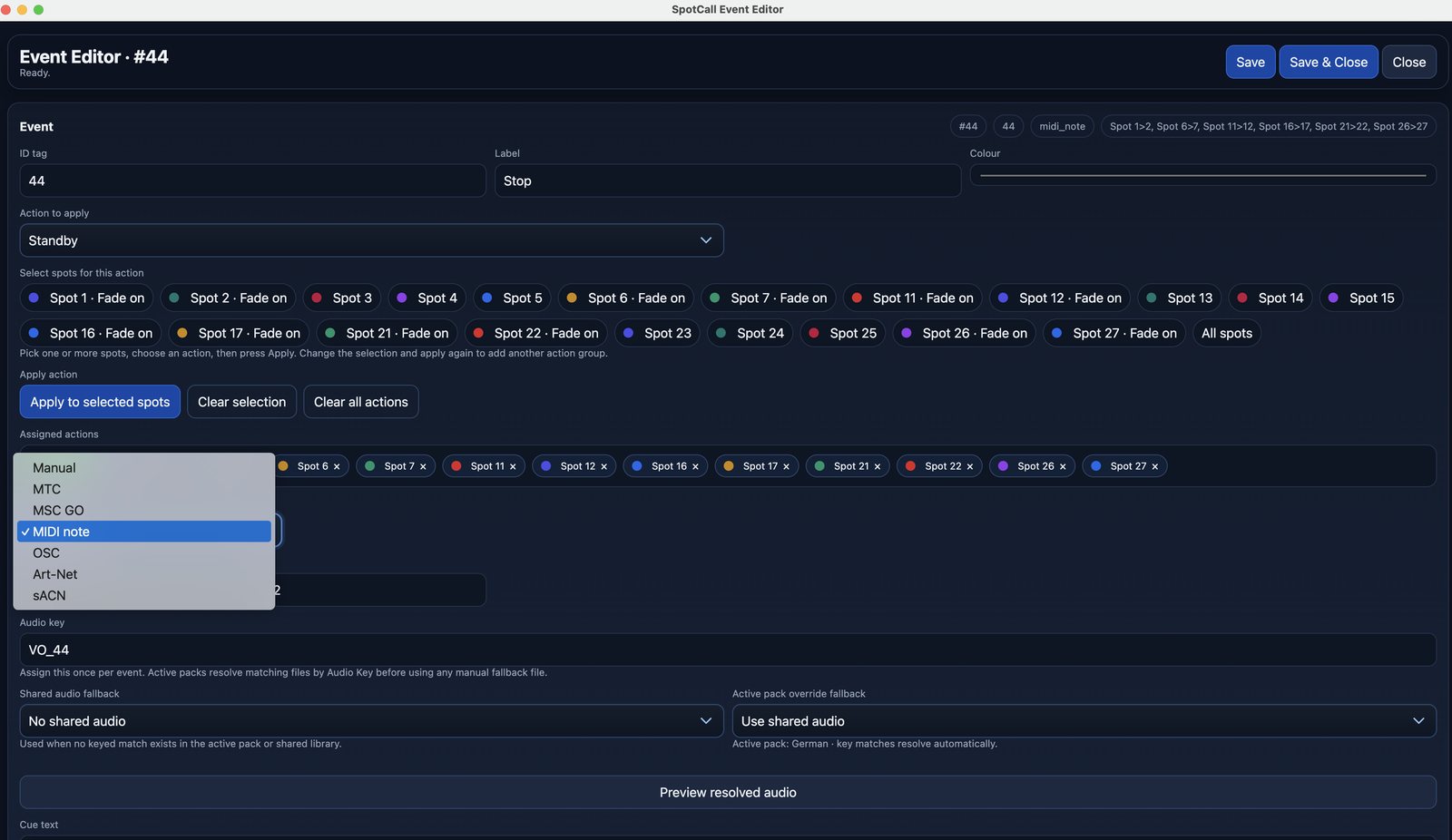
SpotCall is a lightweight desktop cue and event playback companion for programmers, show callers, and production teams that helps keep spot, cue, and trigger information in one place.
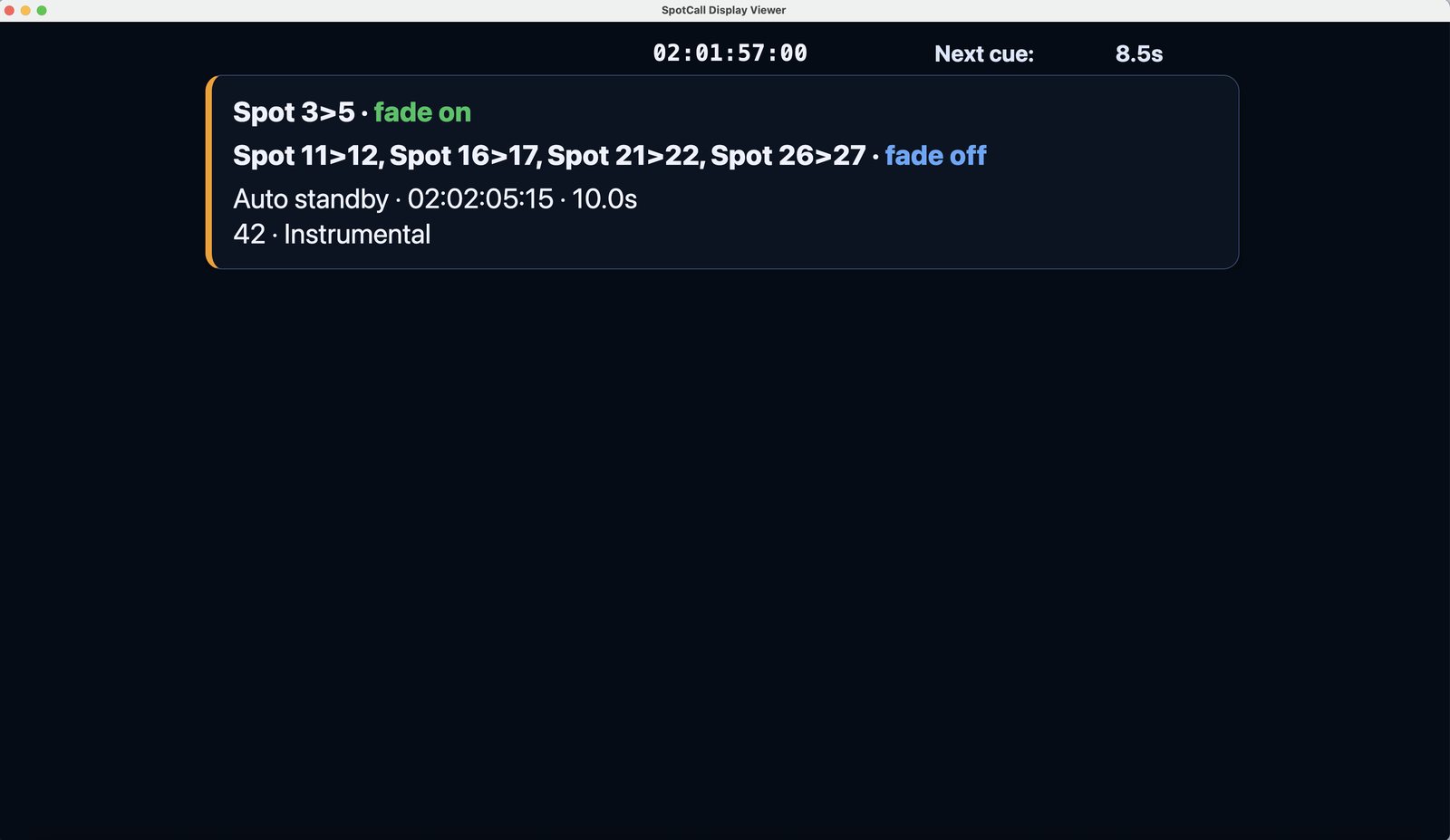
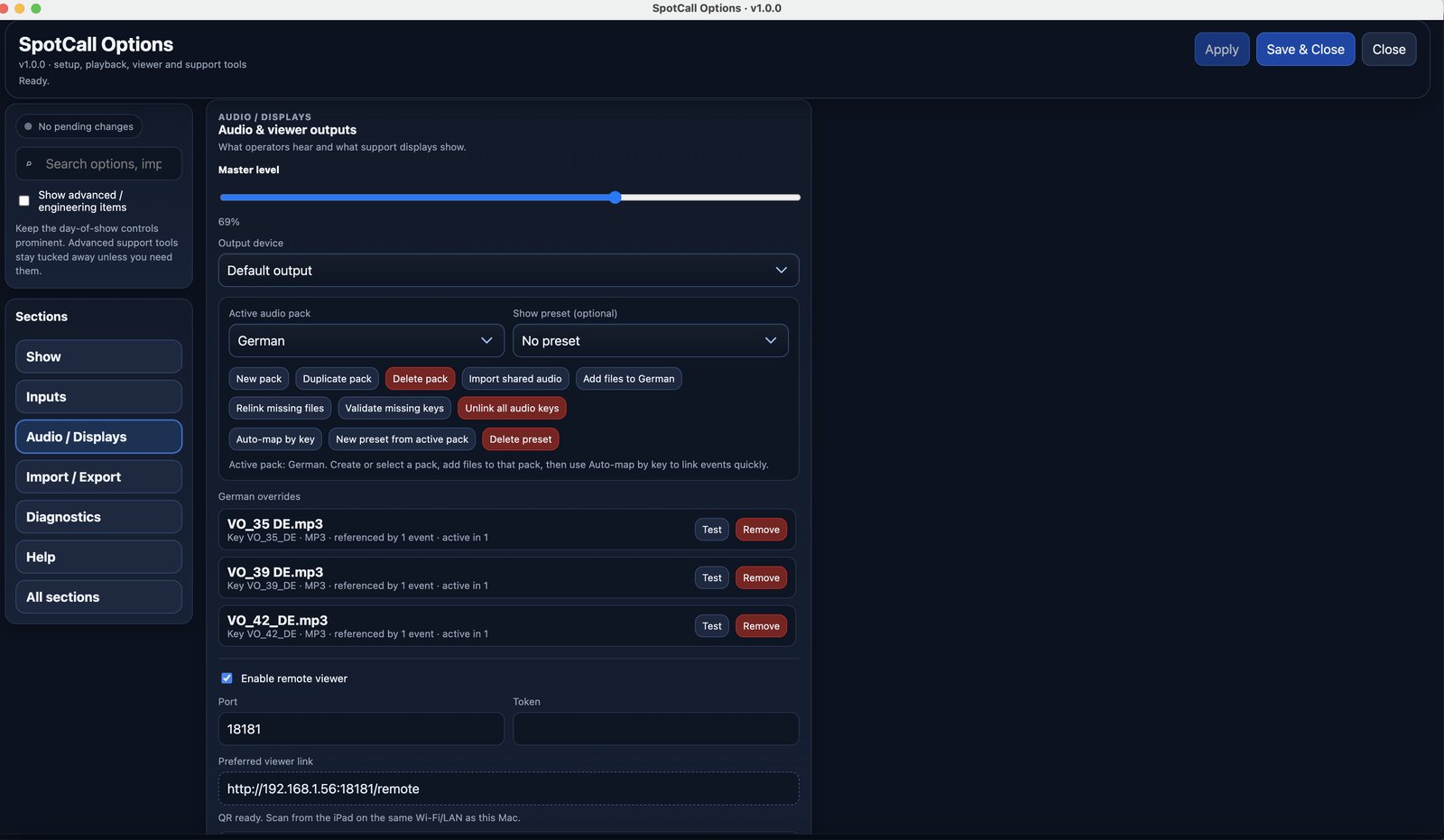
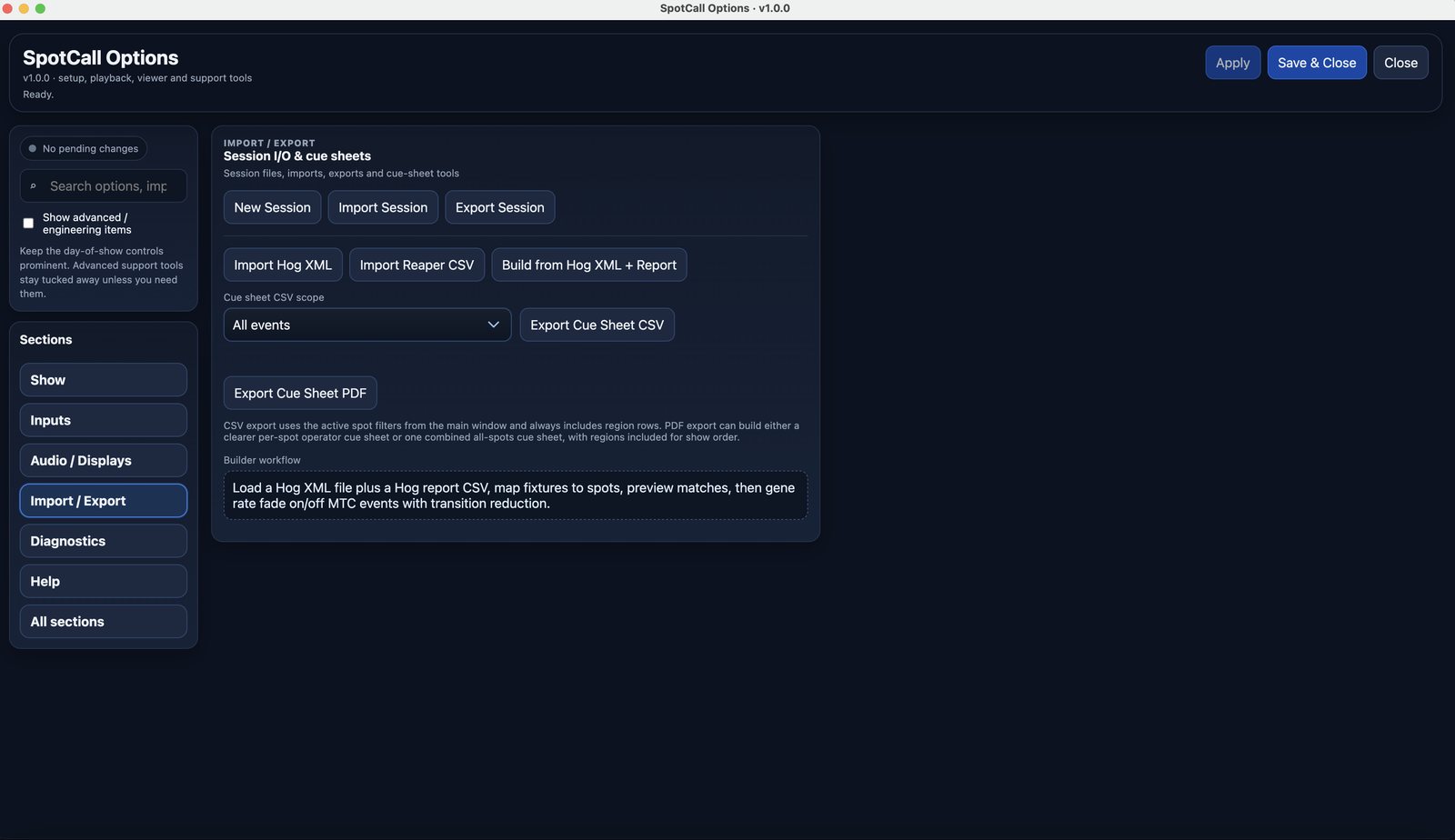
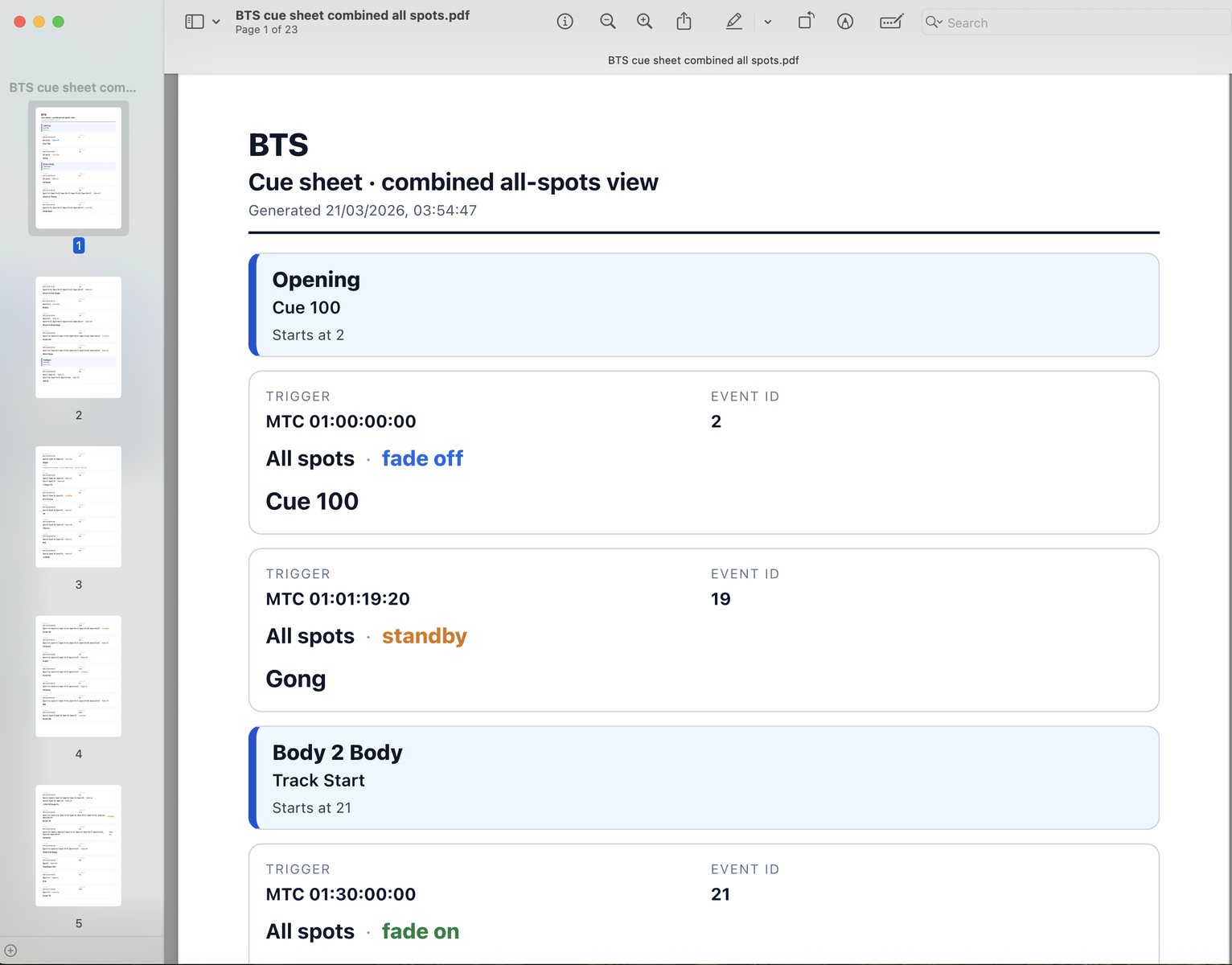
It lets you build and run event lists for up to 30 spots, add colours, labels, regions, and notes, and trigger events manually or from live external inputs including MTC, MSC, MIDI, OSC, Art-Net, and sACN. It also supports Hog XML and Reaper CSV import, audio playback per event, CSV and PDF cue-sheet export, and a simple read-only iPad/iPhone viewer over the local network.
App
CueState
Cue-based visual state management with multiple operating views
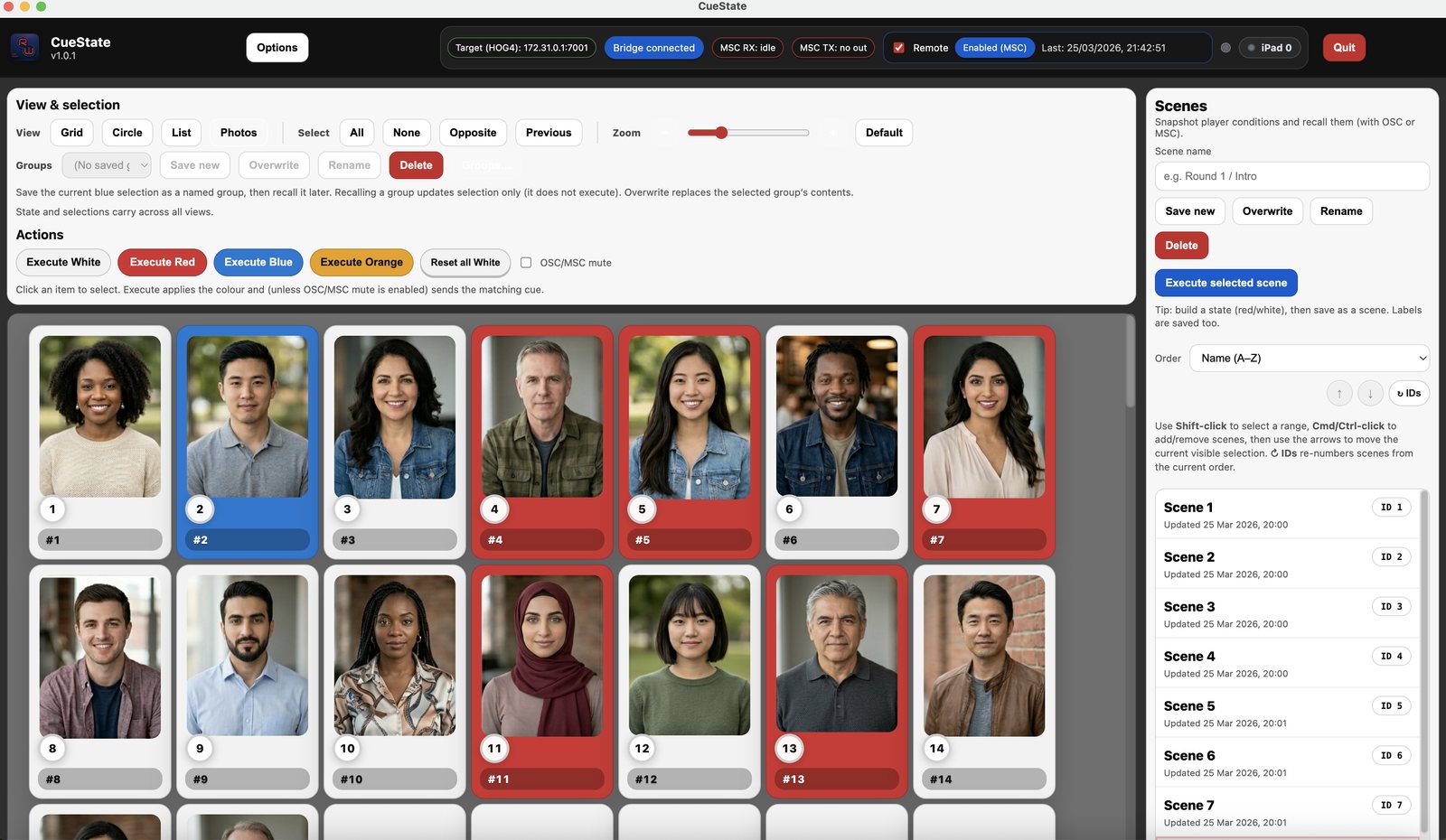
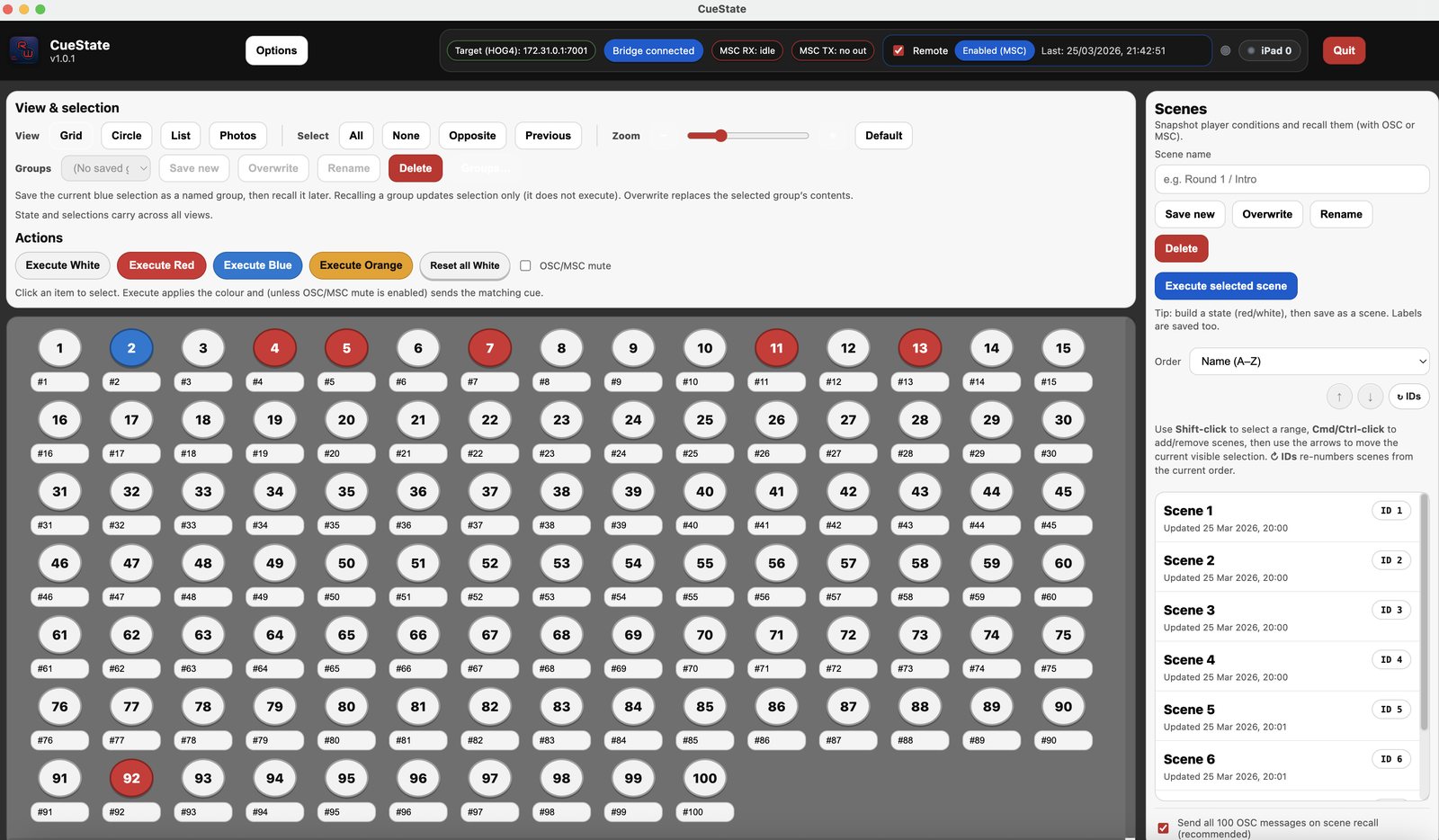
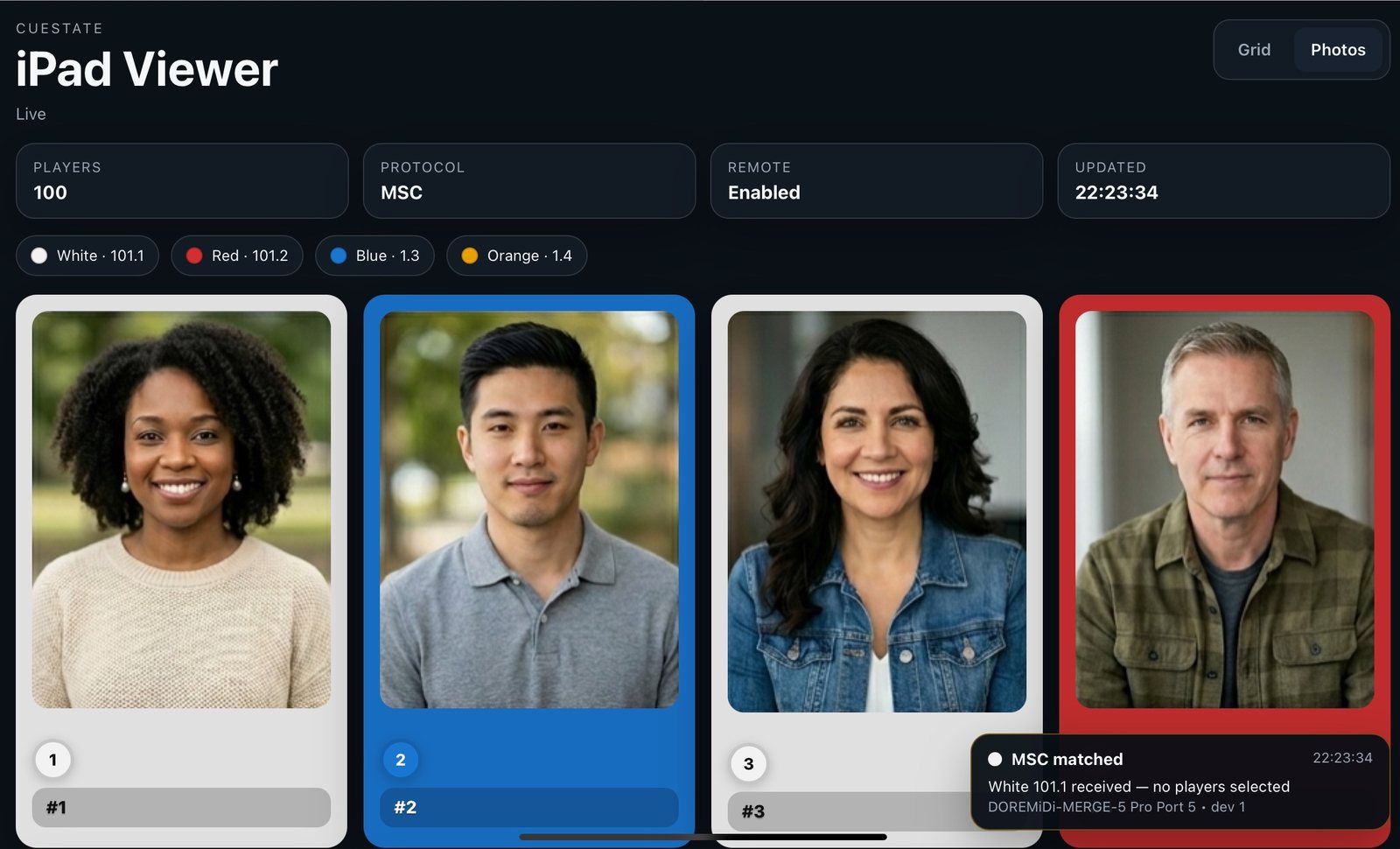
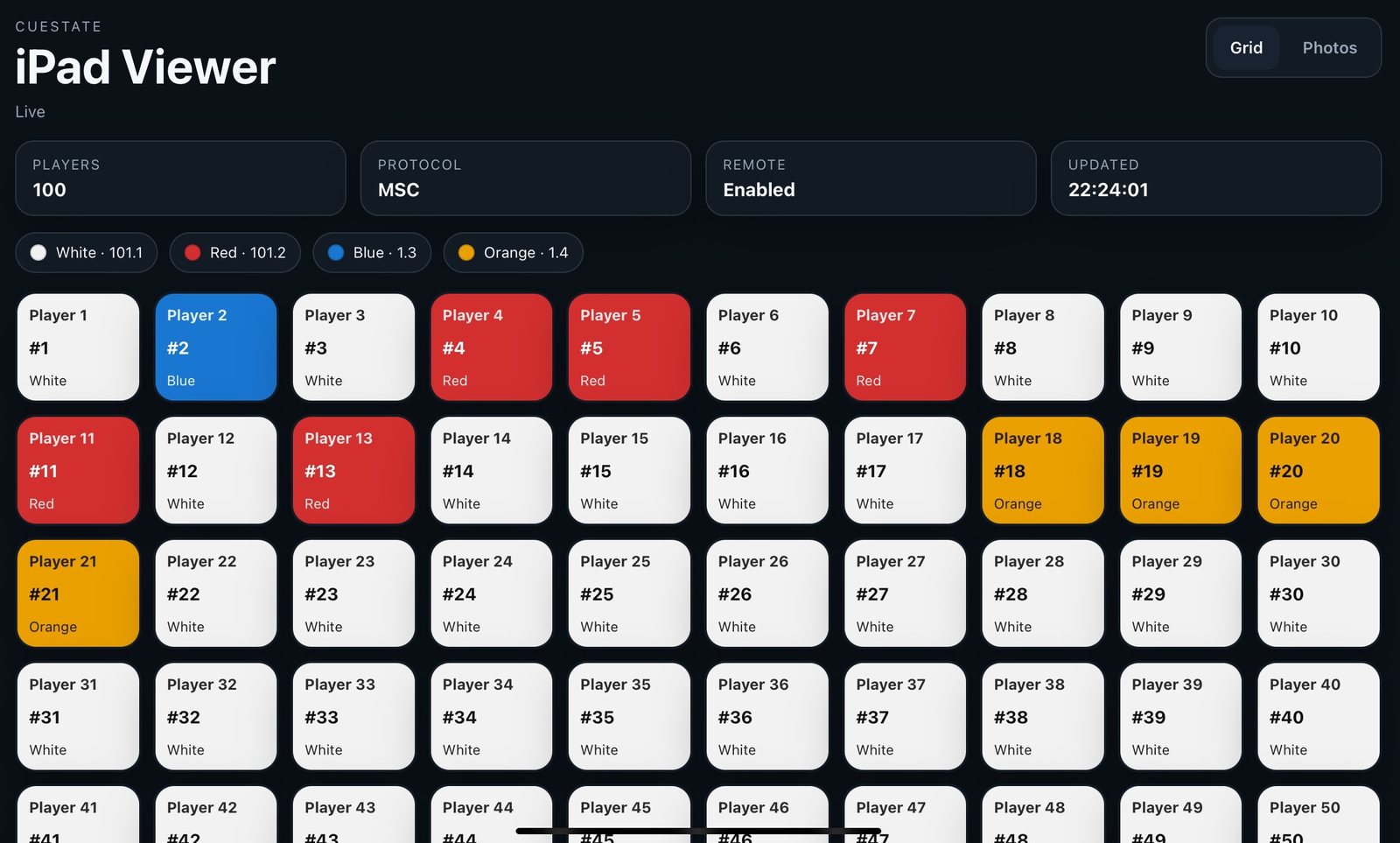
CueState is a lightweight desktop playback and state-management companion that helps programmers and operators track, trigger, and recall cue-based visual states in one place.
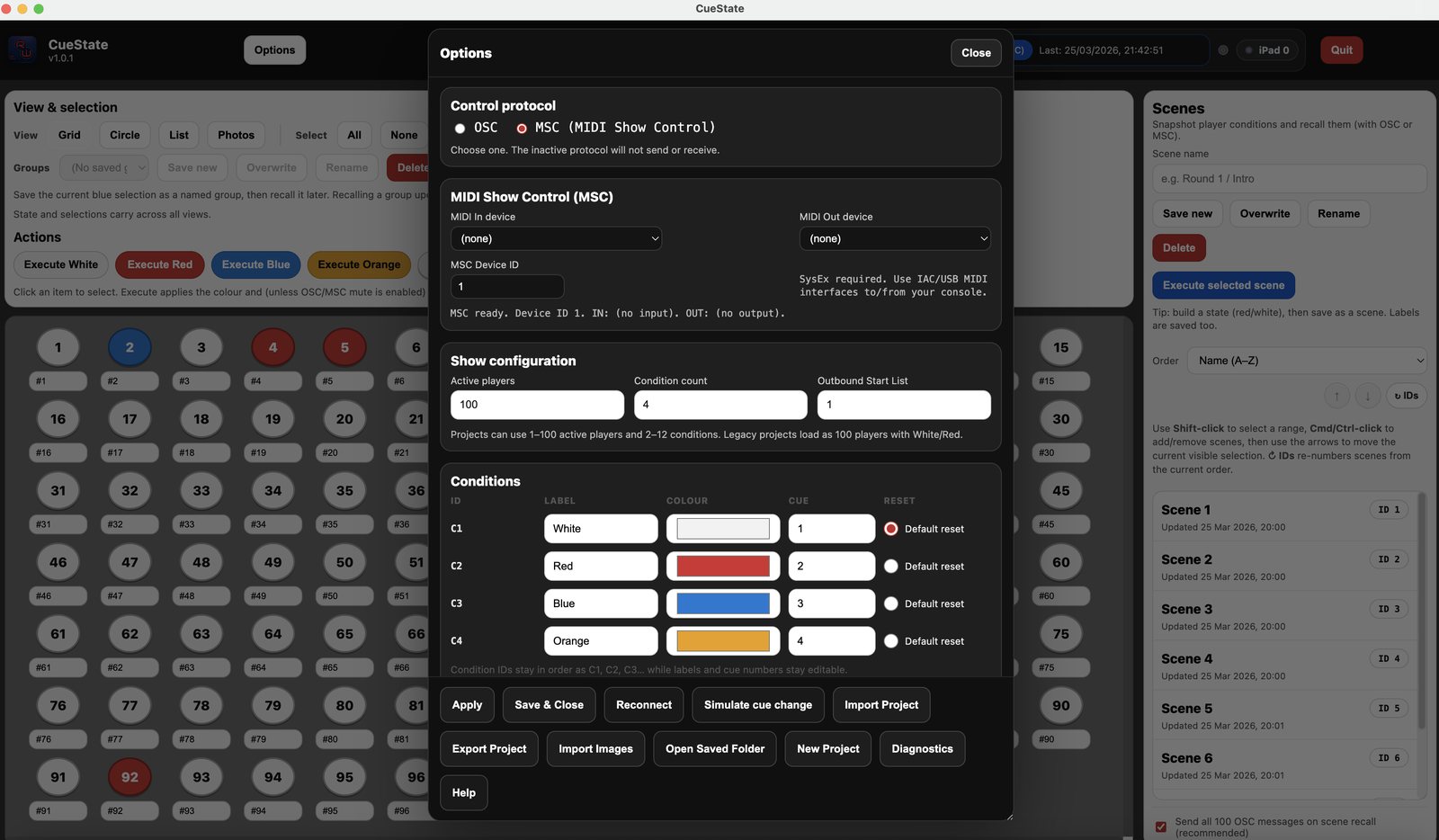
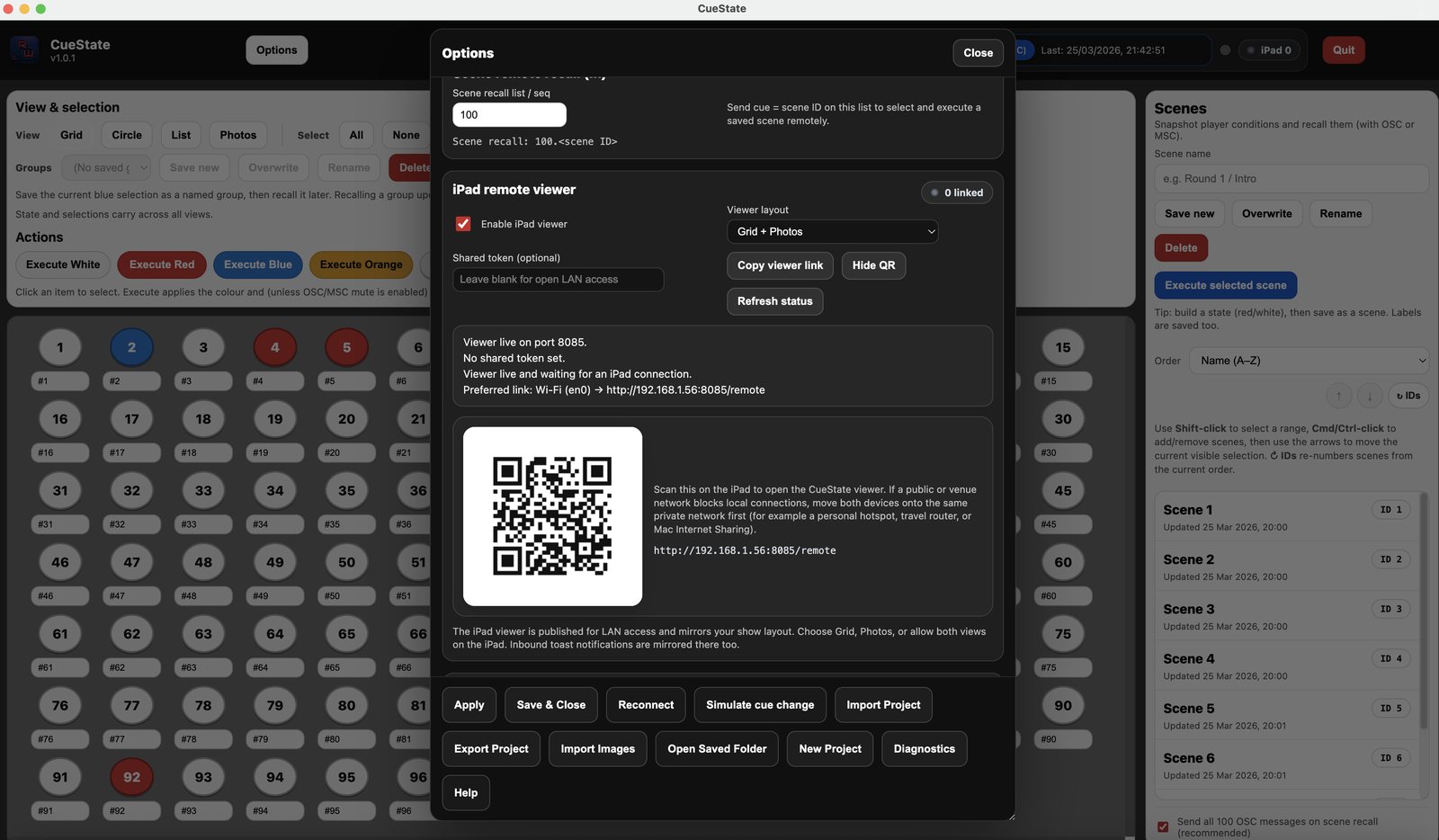
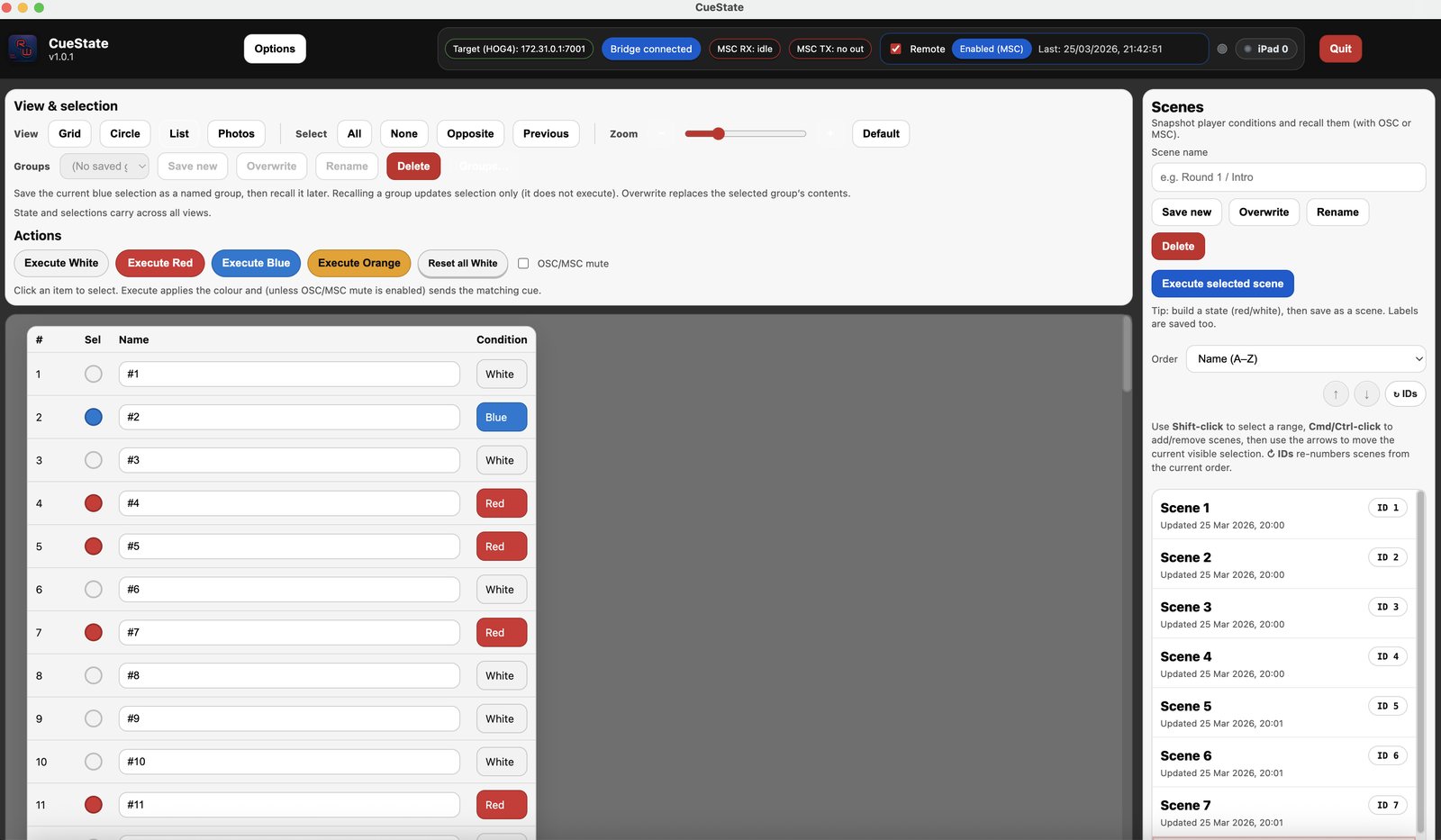
It provides a flexible 1–100 layout with Grid, Circle, Spreadsheet, and Photos views, lets you mark and manage item states, and supports saved scenes with persistent Scene IDs for quick recall. CueState can send and receive OSC, supports inbound scene and execute triggers via OSC or MSC, and includes a simple read-only iPad viewer over the local network.
App
LTC+
Generate audio files with embedded SMPTE LTC for rehearsal and playback
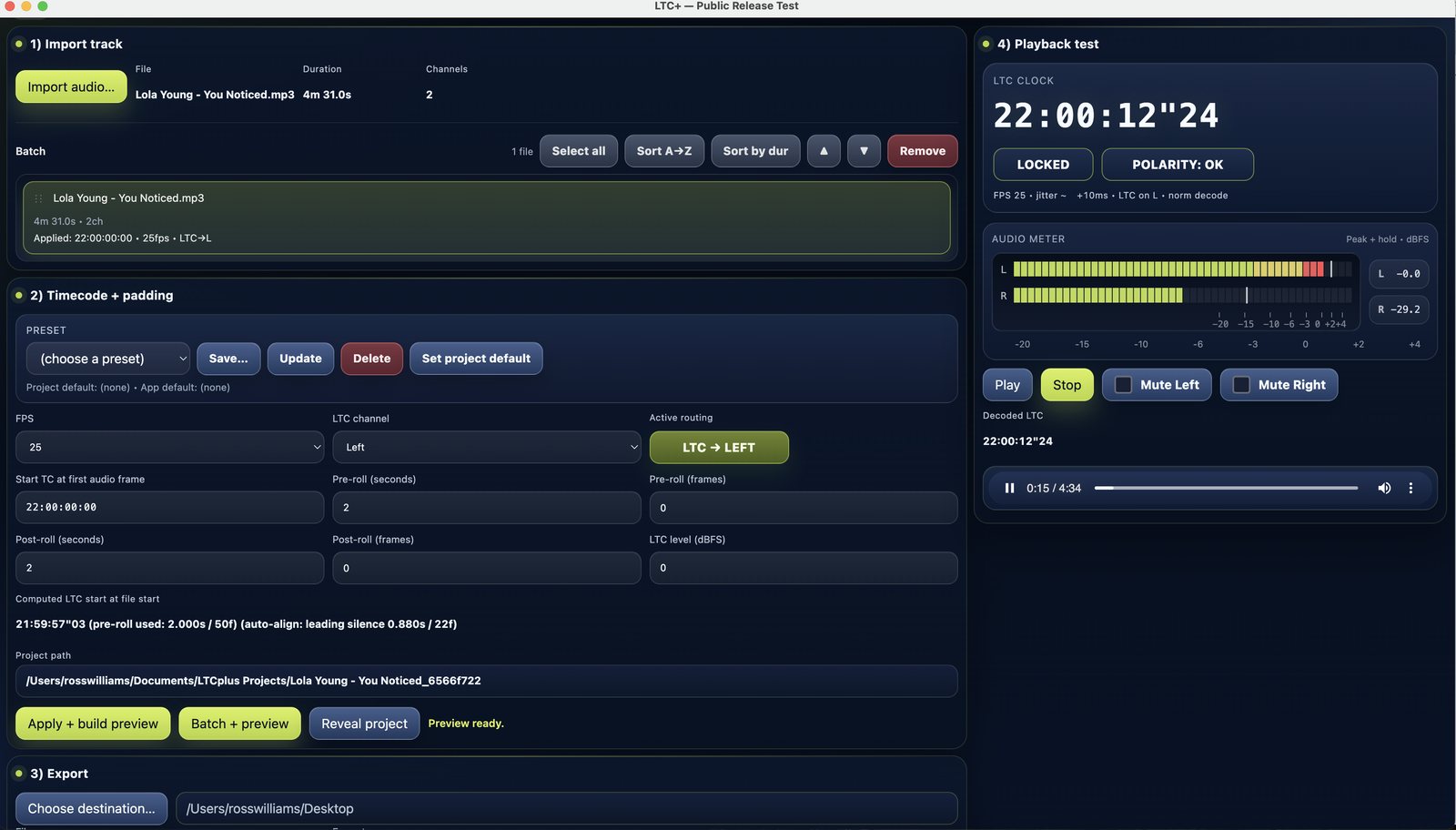
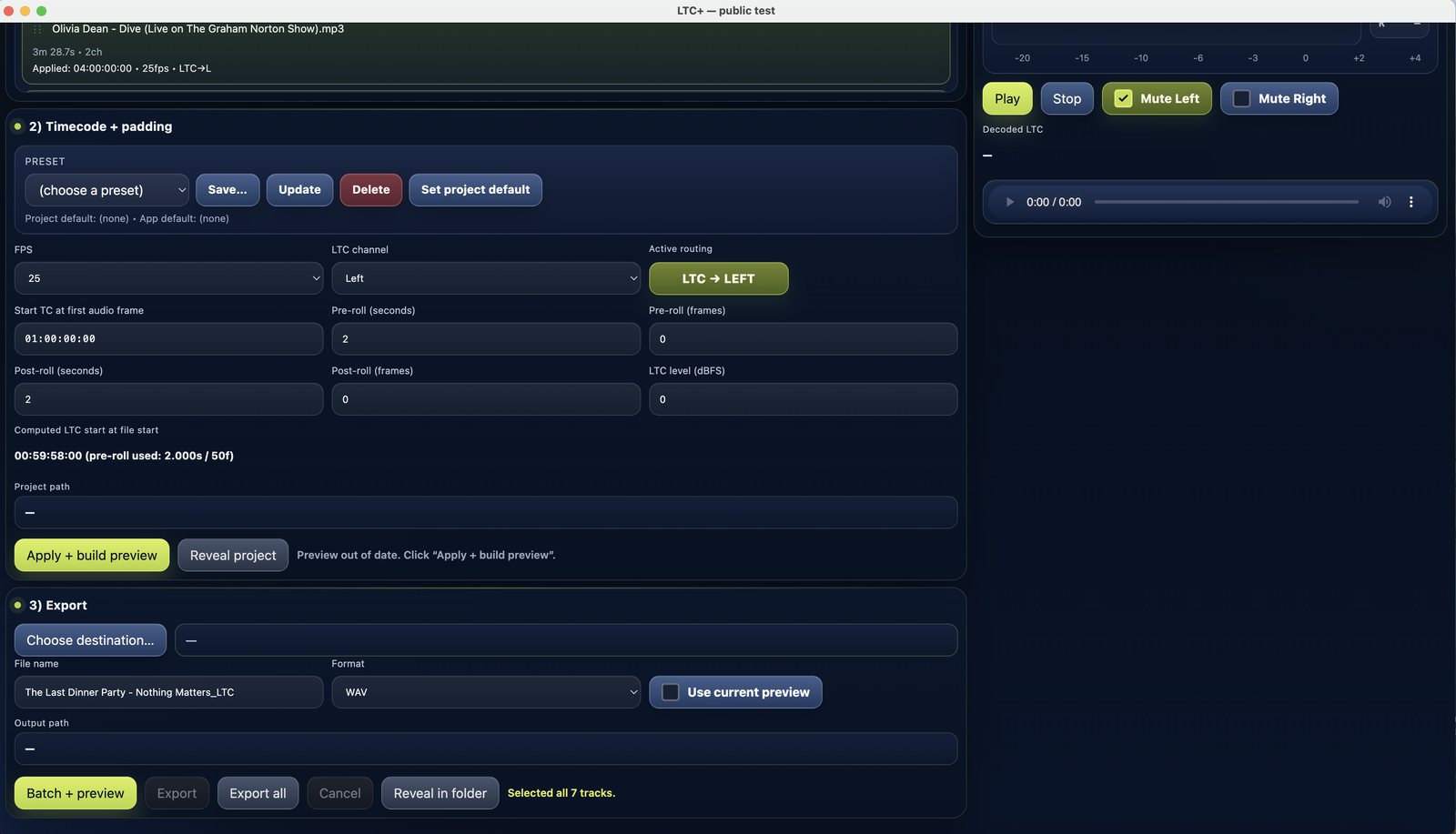
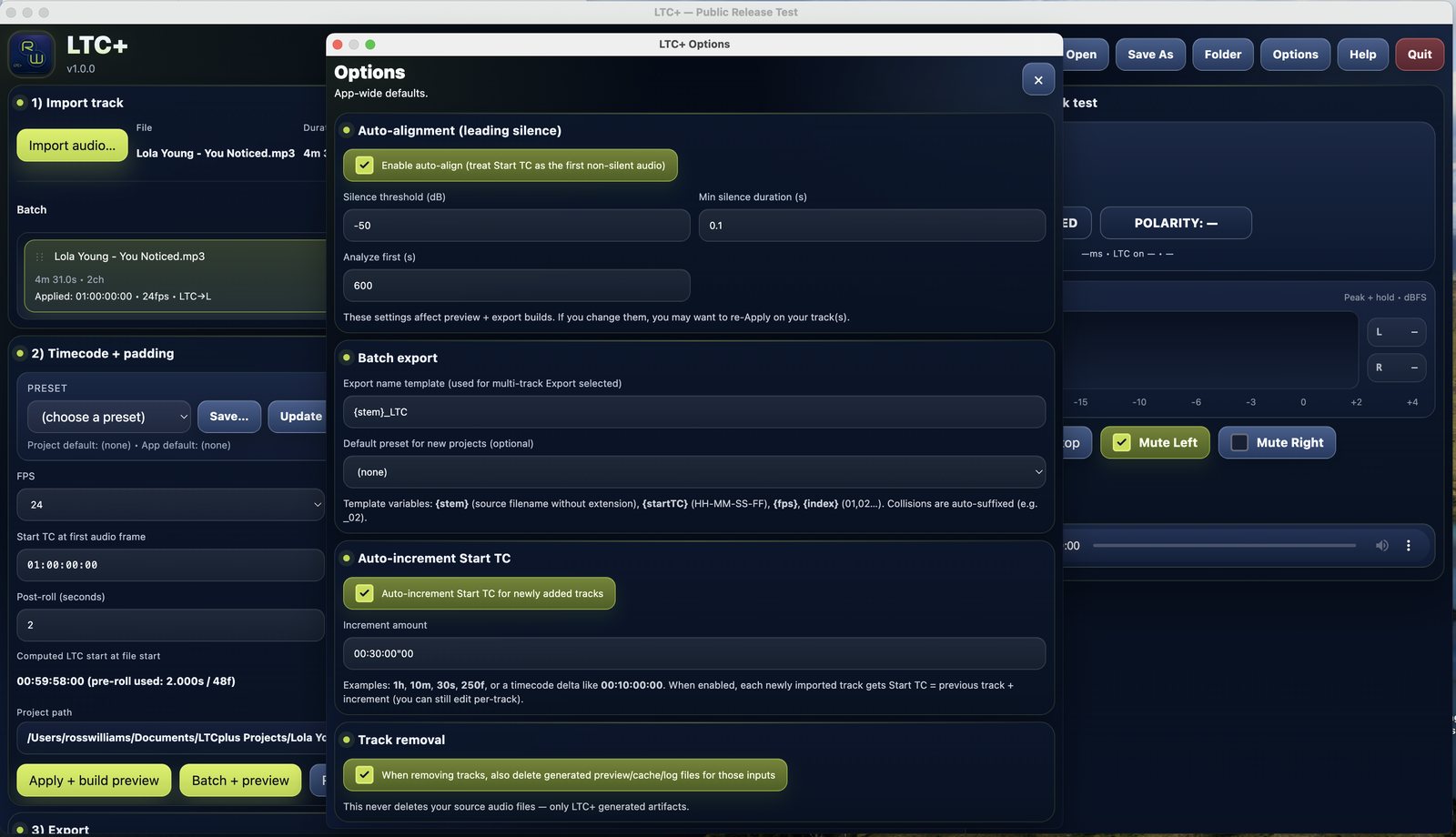
LTC+ is a lightweight desktop app for creating playback-ready audio files with embedded SMPTE LTC for shows, rehearsals, and timecoded systems.
It lets you import audio, set frame rate, start timecode, pre/post-roll, and LTC level, then generate and export a dual-mono file with programme audio on one channel and LTC on the other in WAV, AIFF, MP3, or M4A format. LTC+ also includes preview and playback tools with live LTC decoding, channel mutes, batch processing, presets, CSV manifests, and export naming options.
App
OSC Monitor
Live OSC traffic monitoring, filtering and export for technicians
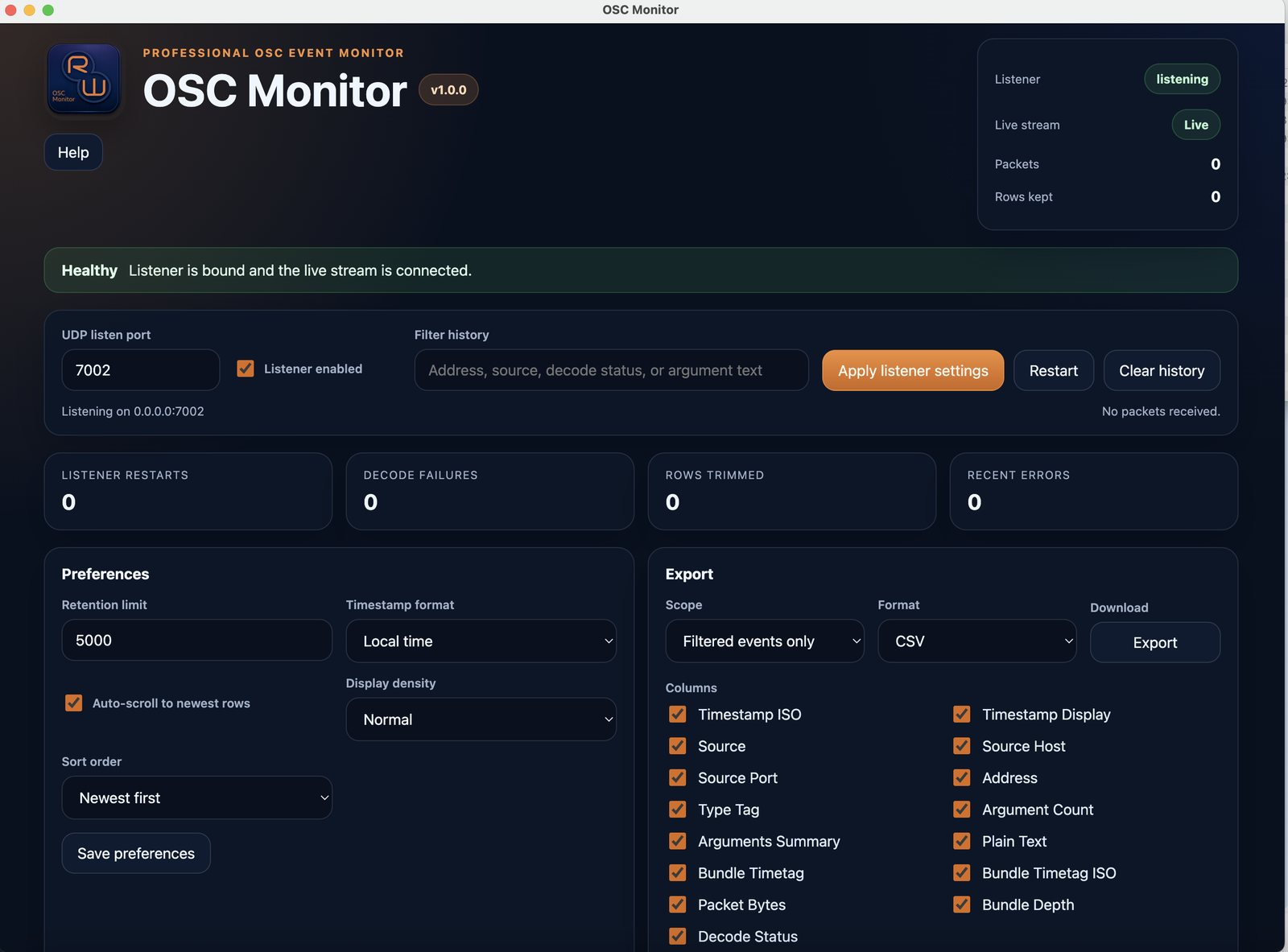
OSC Monitor is a lightweight desktop OSC app for macOS that helps programmers, operators, and show technicians view live OSC traffic in one place.
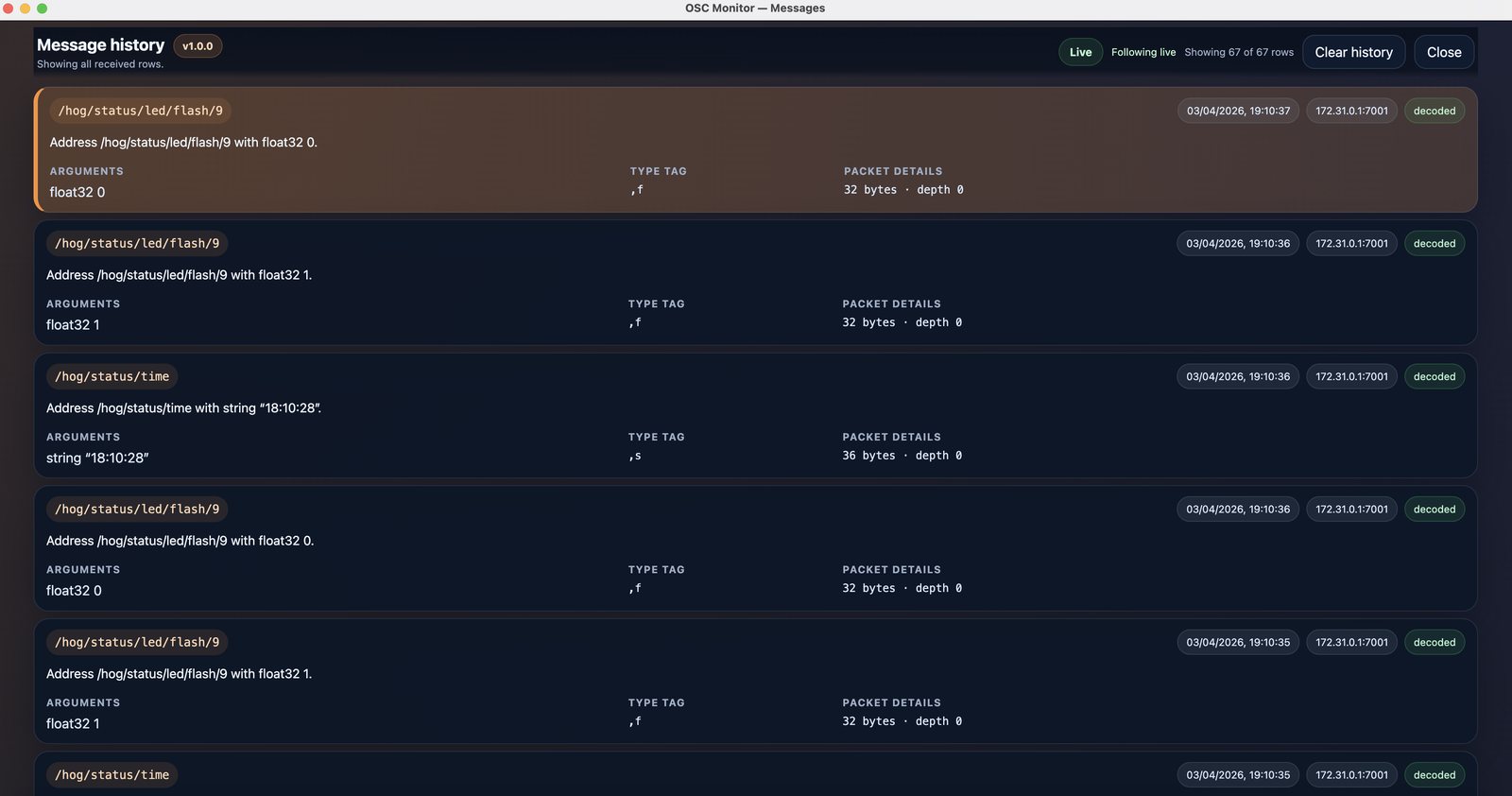
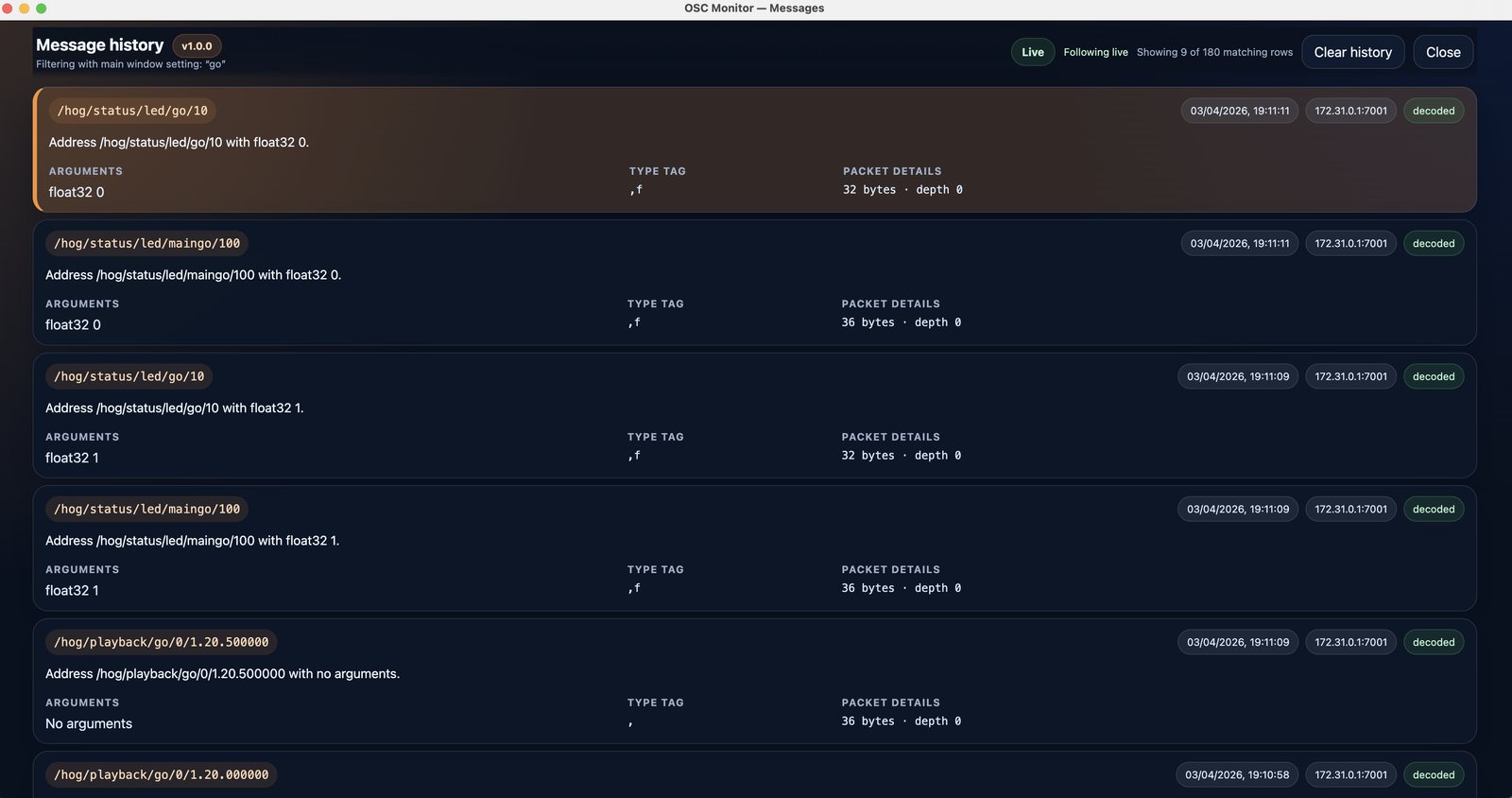
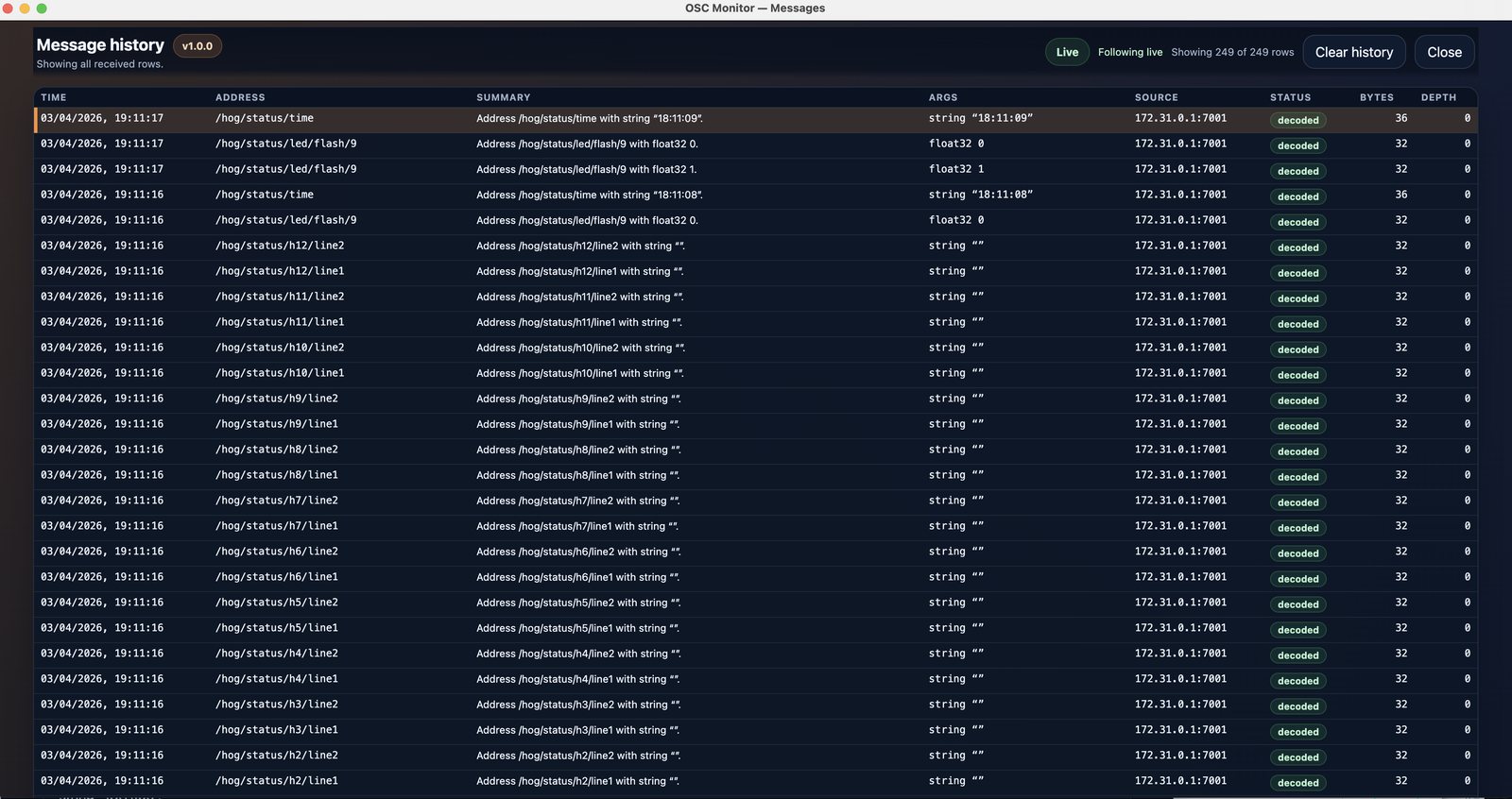
It listens for incoming OSC over UDP, displays a plain-language live history with source, timestamps, type tags, arguments, and packet details, and includes listener health information such as live stream status, decode failures, restarts, trimmed rows, and recent errors. It also lets you filter message history, choose Normal or Compact display views, save preferences, and export all or filtered events as CSV or JSON.