Technical Notes · Lighting Programming
Tools for the Lighting Programmer
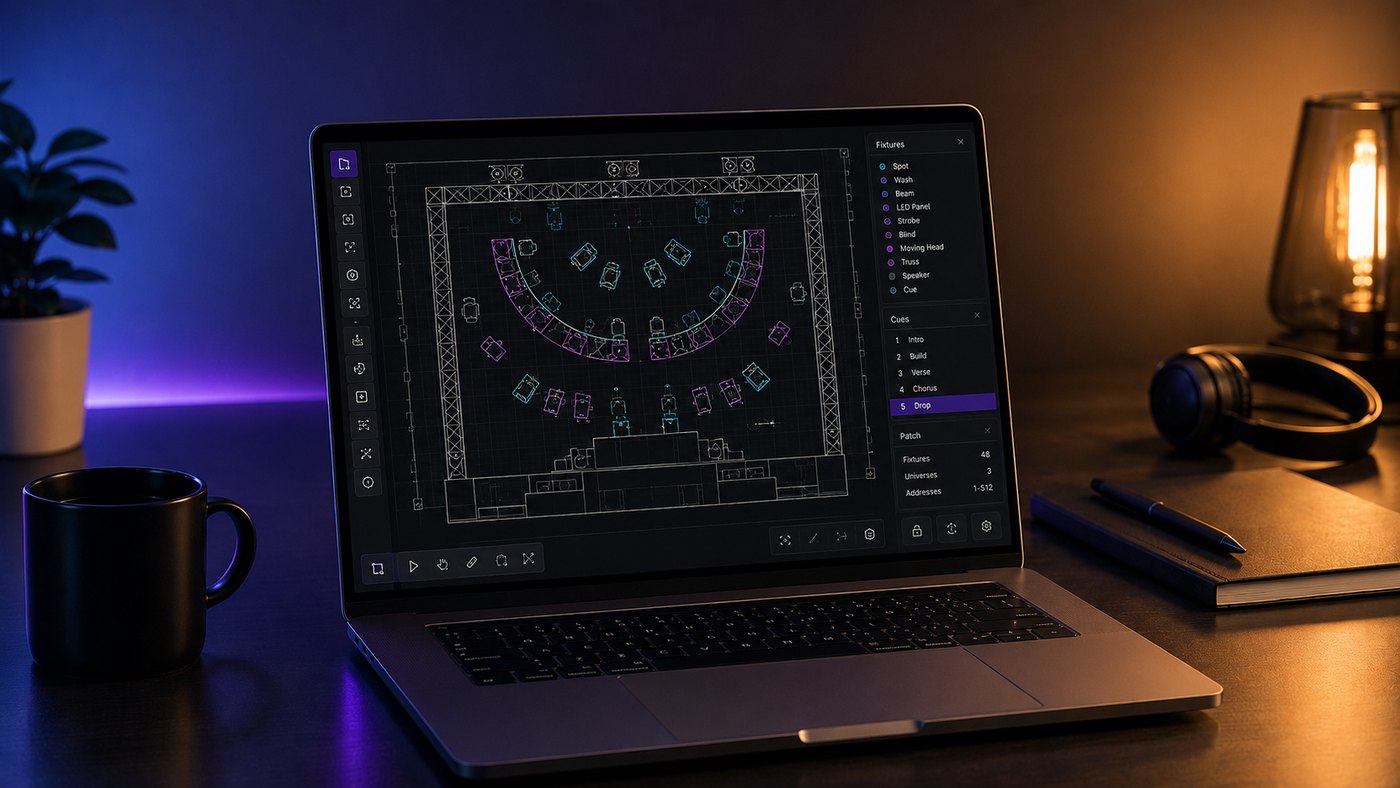
A practical look at the drawing, data exchange, pre-visualisation and timecode tools that help lighting programmers move from concept to show file.
From concept drawing to programming workflow
Many shows start life as a concept drawing. Sometimes that is a fully developed CAD model, sometimes it is a designer’s SketchUp file, sometimes it is a PDF ground plan, and sometimes it is still a hand-drawn sketch that needs turning into something measurable, shareable and useful. A large part of the lighting programmer’s job is taking that information and turning it into a workflow that can survive design development, pre-production, rehearsals, programming and show day.
Vectorworks Spotlight and x-refs
For my own drawings, or when I need to redraw or tidy up someone else’s information, I generally use Vectorworks Spotlight. Spotlight is built specifically for entertainment design, so it already understands the language of lighting: fixtures, positions, truss, hanging angles, symbols, paperwork, legends and reports. It also comes with a large library of manufacturer symbols and fixture profiles, which saves a lot of time when turning a concept into a usable lighting plan.
One of the biggest advantages is collaboration. A production designer may have built the set in SketchUp, a venue may only have AutoCAD drawings, or a scenic department may issue a new model part way through the process. Vectorworks can import a wide range of drawing formats, allowing these different sources to be brought together at scale so the lighting plan can be built around accurate scenic and venue information rather than guesswork.
This is also where external references, often called x-refs, become useful. An x-ref is essentially a linked external drawing. Rather than copying every scenic or venue element directly into the lighting file, the external file can be referenced so it remains separate but visible inside the working drawing. If the set or venue drawing changes, the reference can be updated without rebuilding the lighting plan from scratch. In practice this helps keep departments working from their own files while still allowing the lighting drawing to stay current.
GDTF, MVR and data exchange
The next major step is data exchange. Two formats that have become increasingly important are GDTF and MVR.
GDTF, or General Device Type Format, describes the fixture. It is not just a simple personality file; it can contain information about modes, DMX channels, geometry, emitters, wheels, colour systems and how the fixture behaves. The aim is that a CAD package, visualiser and console can all understand the same fixture in a more consistent way.
MVR, or My Virtual Rig, describes the rig and the space around it. An MVR file can carry the scene geometry, fixtures, positions, patch, fixture IDs and other useful production data between compatible applications. In simple terms, GDTF tells the software what the device is, while MVR tells the software where it is and how it sits within the wider production environment.
The benefit of this is huge. Without this type of exchange, the same information often has to be entered again and again: once in the drawing, again in the visualiser, again in the console, and sometimes again in paperwork. Every manual step is an opportunity for mistakes. If the position, fixture number, patch, mode and 3D location can move through the workflow together, then the programmer starts much closer to the real show file. It still needs checking, but it removes a lot of repetitive data entry.
Pre-visualisation
For pre-visualisation, I frequently use Depence or Wysiwyg. A visualiser allows the lighting rig to be programmed before the physical rig is complete, or sometimes before anything has been built at all. This is particularly valuable on large shows where production time is limited, or on outdoor shows where daylight makes focusing and programming impossible for much of the day.
A good pre-vis workflow means I can arrive on site with a show file that already contains fixture types, patch, layouts, positions, groups, palettes, basic focuses, timecode structure and sometimes a large amount of cueing already roughed in. Once the real rig is powered up, the job becomes correction and refinement rather than starting from nothing. Of course, the visualiser is only as accurate as the information put into it, but when the drawing, patch and fixture data are correct, it can save many hours of onsite programming time.
Specialist tools and timecode workflow
Not every console supports every modern workflow natively, which is where specialist tools can fill the gaps. HogTools is a good example. As of June 2026, the Hog family of consoles does not natively import MVR in the same way as some other platforms, so HogTools provides a subscription-based online route for converting MVR, Wysiwyg XLS or CSV exports into Hog-compatible XML. The practical result is that a large amount of fixture patch and plot-view information can be created automatically, rather than being entered by hand. On a large show this can save hours and also reduce the risk of transcription errors.
For music-based programming, Reaper is another tool I use regularly. Although it is primarily a digital audio workstation, it is very useful for lighting because it allows tracks to be broken down accurately on a timeline. I can import the audio, set the ruler to the correct timecode format, view the waveform, identify beats, bars, accents, transitions and musical structure, then place markers exactly where lighting events may need to happen.
Those markers can then be exported as a CSV file and imported into compatible lighting workflows, including consoles and supporting tools. This is useful because the first pass of a timecoded show is often not about writing every cue immediately; it is about creating a reliable map of the music. Once the markers are in the console, they become placeholders for cue points, bumps, transitions, hits and visual ideas. It gives the programmer a structure to work inside rather than staring at an empty timeline.
CuePoints takes a similar idea further. It is designed specifically around planning, timecode, notation and collaboration. Audio, video, timings and notes can be brought into one environment, allowing lighting, video and other departments to discuss the same moments in the show with a shared reference. For complex productions, that shared timing language is very valuable. It helps avoid the situation where lighting, video, choreography and production are all talking about the same musical moment using slightly different time references.
MA Tools is another useful ecosystem, particularly for grandMA3 users. It provides a series of third-party plugins designed to speed up professional programming workflows. Tools such as MArkers, MArkersPRO, RecipeTools, GridMAster and other utilities can help with timecode, selection grids, recipes and repetitive programming tasks. Plugins are not a replacement for understanding the console, but they can remove friction from jobs that would otherwise take a long time to build manually.
Smaller utilities
I have also built a few smaller utilities that are available to download from the Apps page of this website:
HogScribe is a companion tool for Hog programmers. It imports Hog XML show data, tracks cue information via OSC or MSC, and allows show notes to be organised against time and cue data.
MidiScribe captures and organises incoming MIDI note data. It can be useful for logging triggers, checking MIDI maps, adding markers and exporting MIDI-related information for later reference.
LTC+ creates playback-ready audio files with embedded SMPTE LTC. This is useful for rehearsals, testing and timecode workflows where a simple audio file containing both programme audio and timecode is required.
OSC Monitor listens to incoming OSC traffic and displays it in a readable way. It is useful when testing show-control systems, debugging network messages or confirming that different pieces of software are actually talking to each other.
The point of the workflow
None of these tools replaces the programmer. What they do is remove friction. They reduce repeated data entry, expose errors earlier, make collaboration easier and allow more of the creative work to happen before the pressure of the real rig, the real schedule and the real deadline.
The best workflows are not about using software for the sake of it. They are about getting reliable information from one stage of production to the next, with as little loss as possible. When the drawing, visualiser, console, timecode tools and supporting apps all line up, the programmer has more time to do the part that really matters: make the show look good.
Useful links
- Vectorworks
- HogTools
- MA Tools
- Reaper
- CuePoints
- Depence / Syncronorm
- Wysiwyg / CAST Software
- Ross Williams Apps